Where you put your desk in your home office can make all the difference in how productive and comfortable you feel throughout your workday. Imagine sitting in a spot where natural light brightens your space without causing screen glare, where you can see the door and feel in control, and distractions fade away.
That’s not just luck—it’s smart desk placement. You’ll discover simple but powerful tips on where to place your desk to boost focus, reduce stress, and create a workspace that truly supports your success. Ready to transform your home office? Let’s get started!
Credit: www.whatsbestnext.com
Desk Placement Basics
Choosing the right spot for your desk is key to a productive home office. The basics of desk placement focus on comfort, focus, and ease of use. Your desk should help you feel in control and reduce distractions. Small changes in placement can make a big difference in how you work.
Keep in mind light, power, and view to set a strong foundation for your workspace. The following tips cover essential points for placing your desk in the best position.
Command Position Benefits
Place your desk so you can see the door clearly. This gives a feeling of control and security. A solid wall behind you adds support and stability. Avoid sitting with your back to the door to reduce stress. This setup helps improve focus and confidence during work.
Avoiding Glare And Eye Strain
Position your desk so windows are to your side, not in front or behind. This reduces glare on your computer screen. Natural light is good but too much direct light causes eye strain. Use blinds or curtains to soften bright sunlight. Proper light helps you stay alert and reduces headaches.
Power Outlet Accessibility
Choose a desk spot near power outlets for easy access. This avoids running long cords across the floor. Keep cables tidy to prevent trips and falls. Having outlets close makes it simple to plug in devices. It supports a clean and safe workspace environment.
Maximizing Natural Light
Natural light brightens your home office and lifts your mood. It helps you stay alert and reduces eye strain. Positioning your desk to maximize sunlight can create a healthier workspace. The key is to balance light exposure with comfort and screen visibility.
Desk Perpendicular To Window
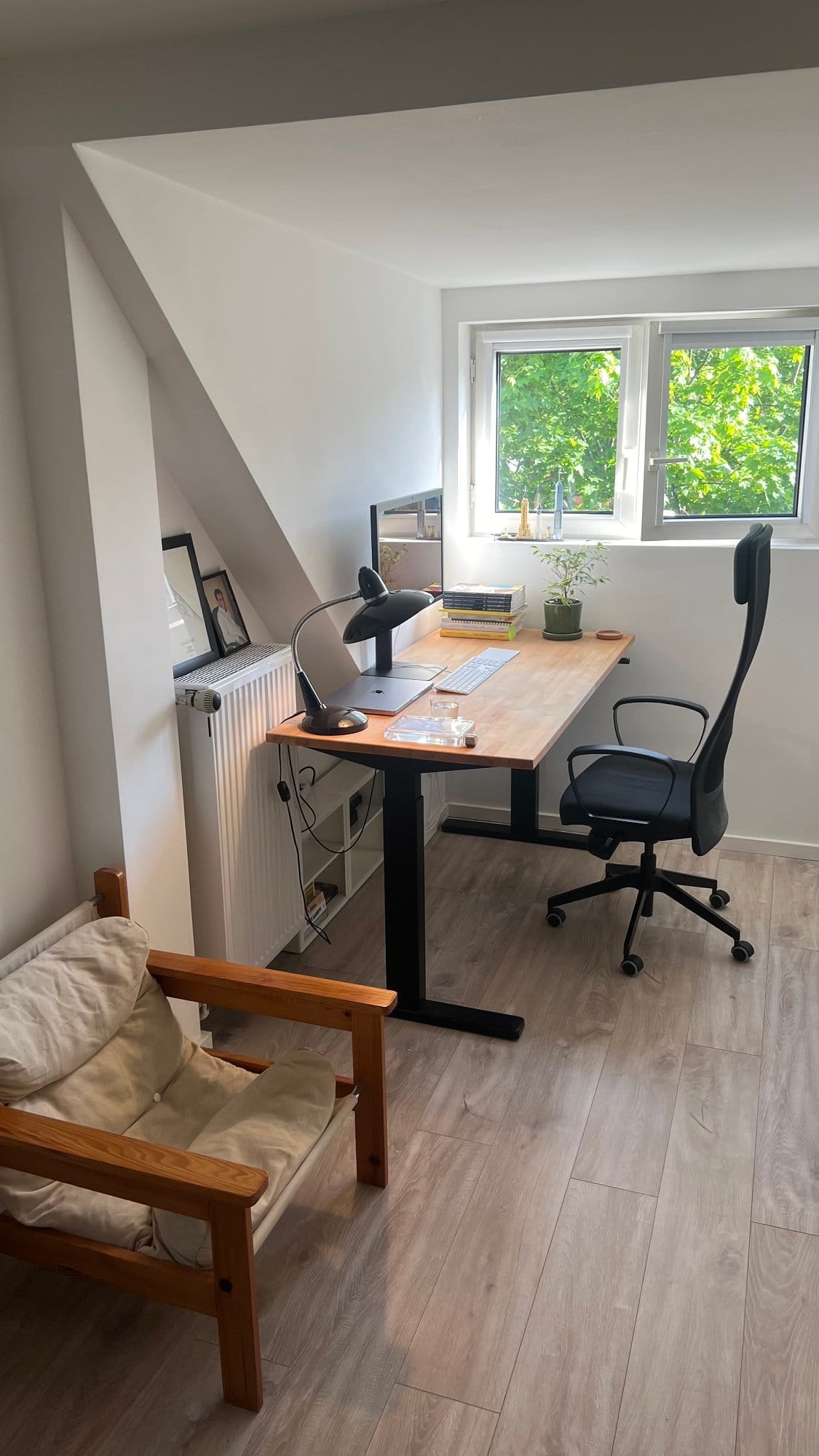
Place your desk so the window is on one side. This setup avoids direct glare on your computer screen. It lets natural light fill your workspace evenly. You get enough brightness without squinting or shadows. This position also reduces reflections on your monitor.
Health And Productivity Boosts
Natural light supports your body’s internal clock. It improves mood and energy levels throughout the day. Exposure to daylight helps reduce headaches and fatigue. Your focus sharpens, and creativity flows better. Working near a window can increase your overall work output.
Balancing Light And Screen Visibility
Too much light can cause glare and screen reflections. Adjust blinds or curtains to control brightness. Use an anti-glare screen protector if needed. Position your monitor perpendicular to the window for clear visibility. Keep your workspace comfortable to avoid eye strain and headaches.
Creating A Secure Workspace
Creating a secure workspace is key to feeling confident and focused in your home office. Your desk placement affects your sense of safety and control. A well-positioned desk can reduce distractions and help you concentrate better. Keep security in mind while arranging your space for productivity and peace of mind.
Solid Wall Support
Place your desk with a solid wall behind you. This gives a feeling of stability and protection. The wall acts like a shield, making you feel less exposed. It also prevents distractions from behind. This setup helps you stay calm and focused throughout the day.
Facing The Door Advantage
Position your desk so you face the door. Seeing who enters reduces anxiety and boosts alertness. It offers a sense of control over your environment. You can prepare for interruptions and avoid surprises. This arrangement supports better focus and work flow.
Avoiding Vulnerable Positions
Do not place your desk with your back to the door. This position feels unsafe and can cause stress. It makes you less aware of your surroundings. Avoid sitting in open spaces with no support behind you. Choose a spot that feels secure and comfortable to work in.
Minimizing Distractions
Creating a workspace free from distractions is key to staying focused and productive. Careful desk placement can reduce interruptions and help you maintain a strong work mindset. Minimizing distractions starts with choosing the right spot in your home office.
Distance From High-traffic Areas
Place your desk away from busy hallways or doorways. These areas bring noise and movement that break concentration. A quiet corner or a room with a door helps shield you from constant activity. This distance creates a calm zone where work feels easier and less stressful.
Separating Work And Relaxation Zones
Keep your desk separate from spaces used for resting or entertainment. Mixing work and relaxation areas blurs the line between tasks and breaks. Designate a clear work zone to signal your brain it is time to focus. This separation supports better habits and reduces distractions from leisure activities.
Inspiring Wall Decor
Facing a plain wall can keep your mind from wandering. Use simple, motivating decor to create a positive atmosphere. Art, quotes, or a calendar can provide visual interest without overwhelming your senses. This balance helps maintain focus and sparks creativity during work hours.
Desk Shapes And Layouts
Choosing the right desk shape and layout sets the foundation for a productive home office. Different desk designs offer unique benefits and suit various room sizes and work styles. Understanding how to place these desks enhances comfort and efficiency. The shape of your desk affects how you organize equipment and manage space.
Placing L-shaped Desks
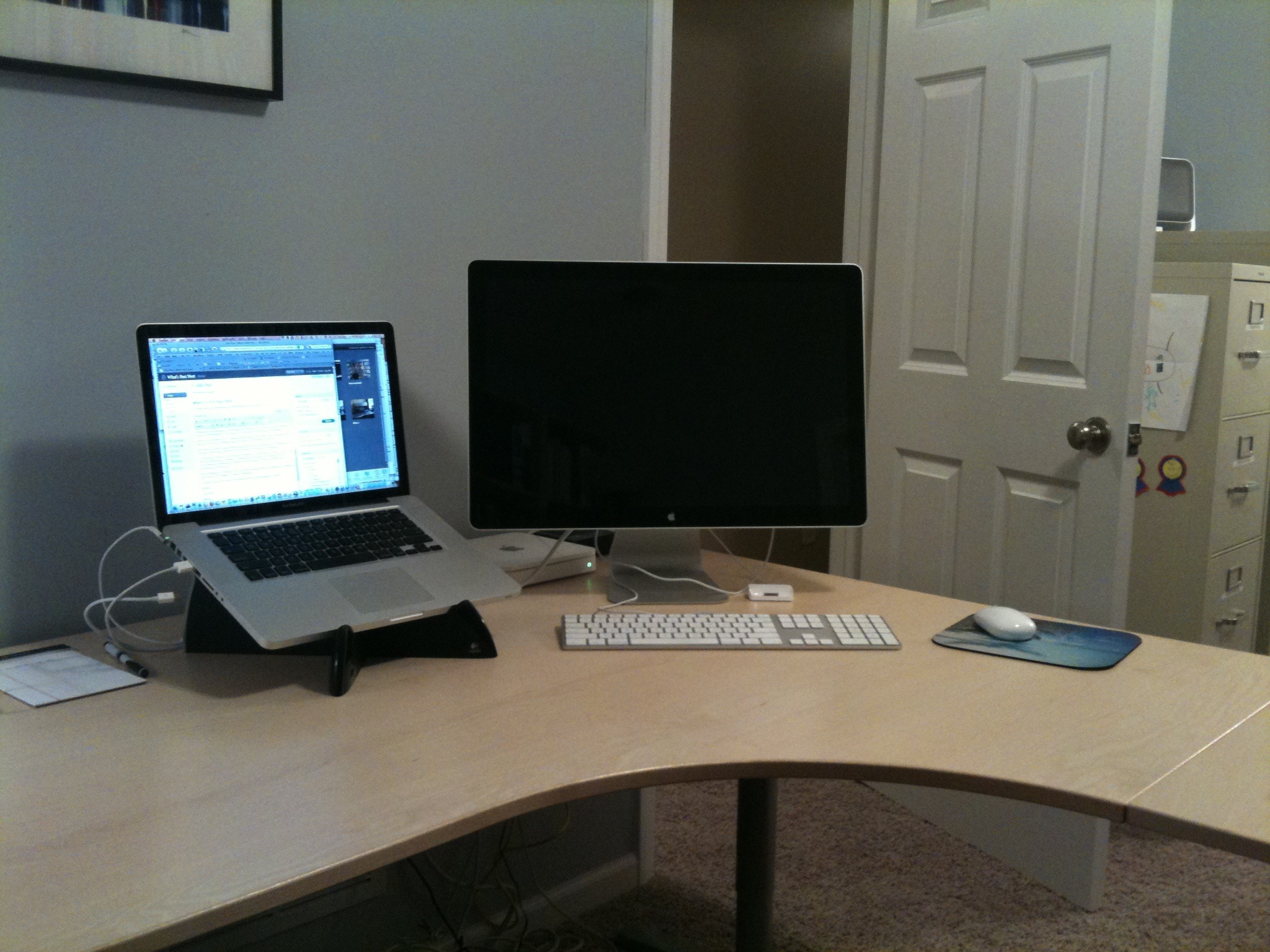
L-shaped desks fit well in corners, saving space in small rooms. Place them so one side faces a window for natural light. The corner provides a large work surface without taking up the center of the room. Position the longer side along the wall to keep cables tidy. This setup creates separate zones for computer work and paperwork. It also allows easy access to drawers and shelves.
Left To Right Equipment Setup
Arrange your equipment from left to right according to how you work. Place the keyboard and mouse in the center for comfort. Position the monitor directly in front to reduce neck strain. Keep frequently used items like a phone or notepad within arm’s reach on one side. Store less-used equipment on the opposite side. This layout supports a smooth workflow and limits unnecessary movement.
Organizing For Efficiency
Clear desk surfaces help maintain focus and reduce stress. Use organizers to keep pens, papers, and cables in order. Add shelves or drawers nearby to store extra supplies. Keep only daily essentials on your desk to avoid clutter. Regularly tidy your workspace to maintain a clean environment. An organized desk boosts productivity and makes work feel easier.
Credit: www.makerstations.io
Window Facing Desk Pros And Cons
Placing your desk facing a window in your home office offers clear benefits and some drawbacks. This setup allows natural light and outdoor views, which can boost mood and creativity. Yet, it may cause distractions and screen glare. Understanding these pros and cons helps decide if this arrangement fits your work style.
Inspiration And Mood
Looking outside provides a refreshing break for your eyes. Natural scenery can reduce stress and spark new ideas. Sunlight boosts energy and keeps you alert during work hours. This setup encourages a positive mood, making work feel less tiring.
Potential Distractions
Outside movement like cars or people can pull your attention away. Noise from outdoors may disturb concentration, especially in busy areas. Bright or changing weather can interrupt focus. This desk position suits those who work well with light background activity.
Screen Glare Challenges
Direct sunlight creates glare on your computer screen, causing eye strain. It can make reading text or seeing images difficult. Using blinds or curtains helps reduce glare but may block natural light. Adjusting screen brightness and angle can improve visibility.
Alternative Desk Orientations
Exploring different desk orientations can improve your home office comfort and efficiency. Not every setup requires the traditional window-facing arrangement. Alternative placements may reduce glare, enhance focus, and create a fresh workspace vibe.
Try these unique desk positions to find what fits your space and work style best.
Facing Away From Window
Placing your desk with your back to the window can reduce screen glare. This setup limits distractions from outside views. It also allows soft light to fill the room without shining directly on your monitor. Make sure curtains or blinds are easy to adjust to avoid strong backlight.
Side Window Positioning
Position your desk so the window is to your side. This arrangement offers natural light without causing eye strain. It keeps your screen free from reflections. You can enjoy daylight and fresh air while maintaining focus. This orientation balances light and comfort well.
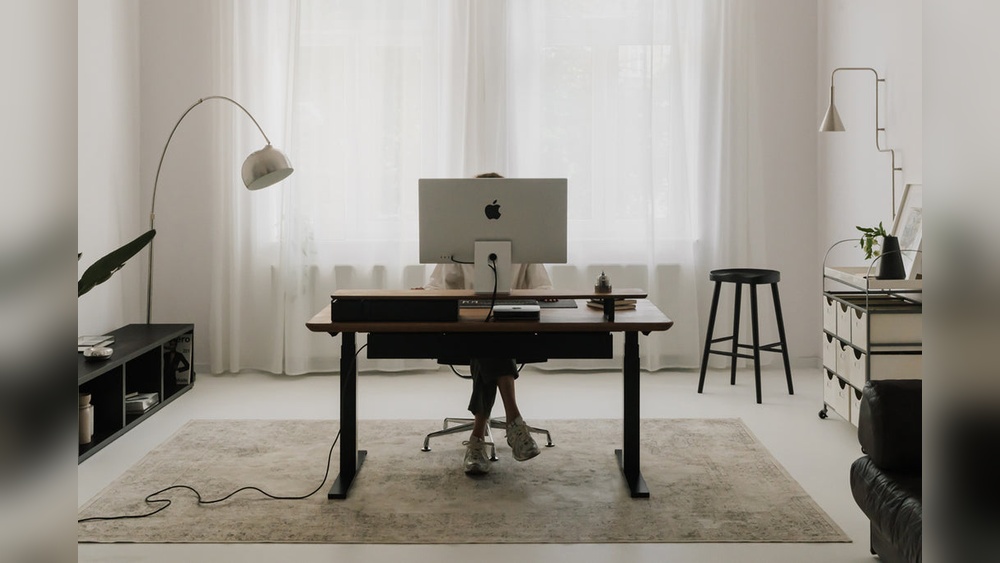
Middle Of The Room Placement
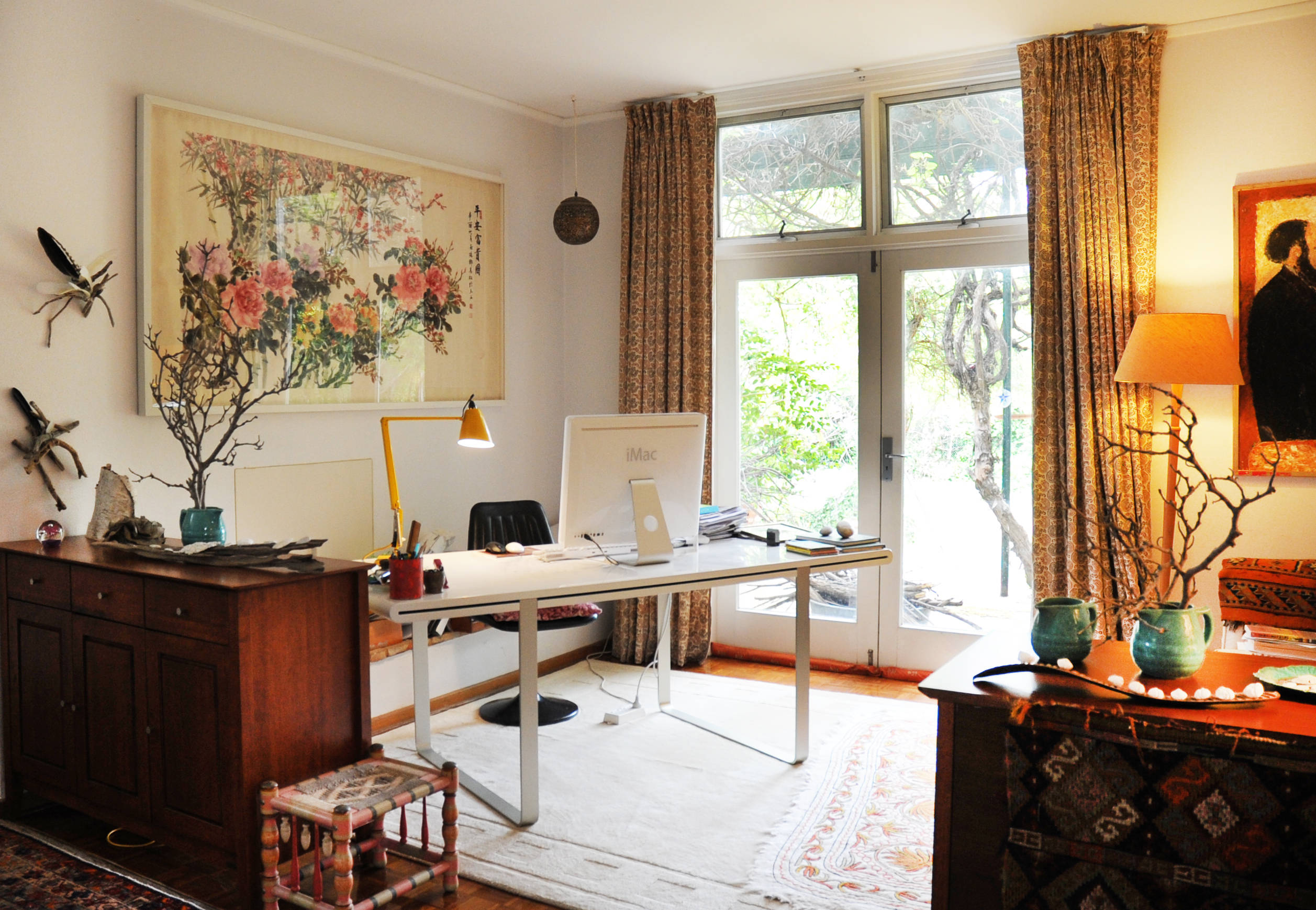
Setting your desk in the room’s center creates an open, airy feel. It lets you face the door and have a solid wall behind you. This “command position” boosts your sense of control and security. It also frees wall space for shelves or artwork. Use rugs or room dividers to define your workspace here.
Credit: www.houzz.com.au
Frequently Asked Questions
Where To Position A Desk In A Home Office?
Position your desk facing the door with a solid wall behind you for support. Place the window to your side to avoid glare. Keep it away from distractions and near power outlets for convenience and productivity.
Should A Desk Face The Window Or Away?
Place your desk perpendicular to the window to avoid glare and enjoy natural light. Face the door with a solid wall behind for security and focus. Avoid sitting with your back to the door to reduce vulnerability and distractions, enhancing productivity.
Which Direction Is Best For A Work Desk At Home?
Place your desk in the “command position”: face the door with a solid wall behind for support. Keep windows to your side to avoid glare and maximize natural light. Position away from distractions and near power outlets for convenience and focus.
Where To Place A Desk In A Home Office According To Feng Shui?
Place your desk in the “command position”: facing the door with a solid wall behind for support. Position the window to your side to avoid glare. Avoid back-facing the door. Keep away from distractions and ensure easy access to power outlets for a productive workspace.
Conclusion
Choosing the right spot for your desk shapes your workday. Place it so natural light brightens your space without glare. Keep a solid wall behind you for a feeling of safety. Face the door to stay aware and focused. Stay clear of distractions and pick a spot near power outlets.
A well-placed desk helps you work comfortably and stay productive. Small changes in desk placement can make a big difference in your home office. Take time to find the best spot that fits your needs and space.