If you’re using multiple monitors, you know how important it is to have the right desk. Your desk isn’t just a piece of furniture—it’s the foundation of your workspace.
Choosing the perfect home office desk can boost your productivity, keep you comfortable, and make your setup look clean and professional. But with so many options out there, how do you find one that fits your monitors, your space, and your work style?
In this guide, you’ll discover simple, practical tips to pick a desk that supports multiple screens without clutter or strain. Keep reading to create a home office that works as hard as you do.
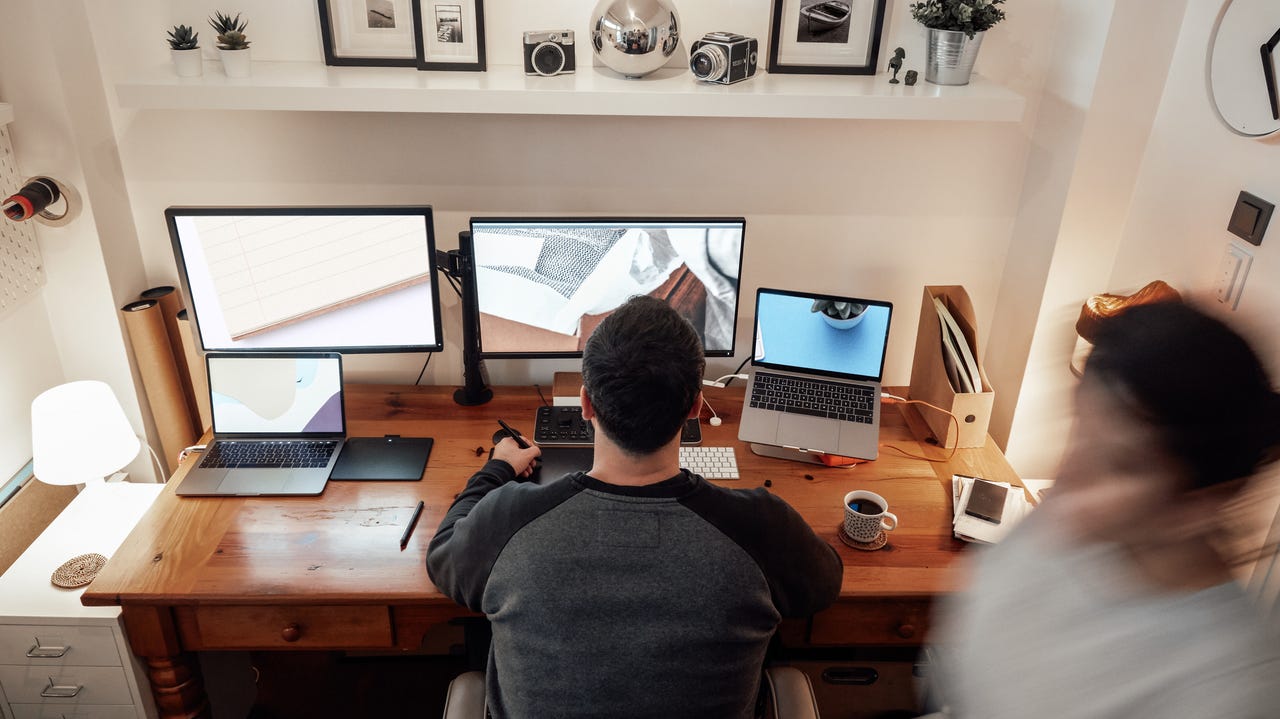
Credit: www.zdnet.com
Desk Size And Shape
Choosing the right desk size and shape is vital for a home office with multiple monitors. The desk must fit your monitors comfortably. It should also give you space for other items like a keyboard, mouse, and documents. A well-sized desk helps keep your workspace organized and reduces strain while working.
Width And Depth Requirements
The desk must be wide enough for all your monitors side by side. Each monitor usually needs about 20 to 24 inches of width. Add space for speakers or other accessories. Depth is also important. The desk should be deep enough to keep monitors at least 20 inches away from your eyes. This distance helps reduce eye strain and improves comfort.
L-shaped Vs Rectangular Desks
Rectangular desks offer a simple, straight workspace. They work well if you place monitors in a row. L-shaped desks provide more surface area. They let you arrange monitors and other tools on two sides. This shape helps separate tasks and gives more room to move. Choose the shape that fits your room and work style best.
Corner Desk Benefits
Corner desks fit nicely into room corners. They save space and provide a larger work surface. You can place multiple monitors at good angles for easy viewing. These desks often offer extra storage or shelves. A corner desk helps make the most of a small room while keeping your monitors organized.
Monitor Arrangement
Setting up multiple monitors needs careful thought about their arrangement. Proper monitor placement boosts comfort and productivity. It reduces neck and eye strain during long work hours.
Choosing the right desk depends on how many monitors you plan to use and how you want them aligned. The desk must support your monitor setup securely and comfortably.
Number Of Monitors Supported
First, count how many monitors you want on your desk. Most desks handle one or two screens easily. For three or more, choose a wider desk. It should have enough depth to keep monitors at a safe viewing distance. Check the desk’s weight limit to hold your monitors safely.
Alignment And Spacing Tips
Place monitors close together to create a seamless view. Align their tops in a straight line to avoid neck strain. Leave some space between screens for cables and airflow. Position monitors at eye level to keep your neck straight. Keep the distance about an arm’s length away to reduce eye fatigue.
Adjustable Monitor Stands
Use adjustable stands to customize monitor height and angle. They help you create an ergonomic setup. Adjustable stands fit different desk sizes and monitor weights. They allow easy repositioning for comfort during the day. This flexibility helps maintain good posture and reduces discomfort.
Ergonomic Considerations
Choosing the right home office desk for multiple monitors requires careful ergonomic planning. Proper ergonomics help keep your body comfortable and healthy during long work hours. An ergonomic desk setup reduces strain on your eyes, neck, and back. It also improves focus and productivity. Below are key ergonomic factors to consider for your multi-monitor workspace.
Eye Level And Viewing Distance
Position monitors so the top is at or slightly below eye level. This keeps your neck straight and relaxed. Keep screens about an arm’s length away. Too close or too far causes eye strain. Make sure all monitors align evenly for consistent viewing distance. Adjust monitor stands or use risers if needed.
Desk Height And Chair Compatibility
Choose a desk height that fits your chair and body size. Your elbows should rest at about a 90-degree angle when typing. Feet should touch the floor or a footrest. A desk that is too high or low forces poor posture. Adjustable desks work well for different users and setups.
Reducing Neck And Eye Strain
Arrange monitors to minimize head turning and tilting. Use equal brightness and contrast on all screens to avoid eye fatigue. Take regular breaks to rest your eyes and stretch your neck. Consider anti-glare screen protectors to reduce reflections. Good lighting reduces screen glare and keeps your eyes comfortable.
Material And Build Quality
Choosing the right material and build quality is key for a home office desk with multiple monitors. The desk must hold the weight and stay stable during use. It should also offer a smooth surface that suits your work style. Strong construction ensures the desk lasts for years without damage.
Durability And Weight Capacity
Desks for multiple monitors need to support heavy equipment. Check the weight capacity before buying. A desk made of solid wood or metal frames often holds more weight. Avoid desks made from particleboard or weak materials. Strong legs and sturdy joints prevent wobbling. This keeps your monitors safe and steady.
Surface Material Options
The desk surface should be smooth and easy to clean. Laminated or veneer surfaces resist stains and scratches. Solid wood surfaces look great but need more care. Glass tops add style but may show fingerprints easily. Pick a surface that fits your daily use and style preference.
Cable Management Features
Managing cables keeps your desk tidy and organized. Look for desks with built-in cable holes or trays. These features hide wires and prevent tangling. A clean workspace helps focus and reduces distractions. Some desks come with clips or channels to guide cables neatly.
Storage And Organization
Storage and organization play a key role in choosing a desk for multiple monitors. A clutter-free space helps keep focus and boosts productivity. A desk with smart storage options can hold all your work tools within easy reach. It also keeps cables and accessories tidy, preventing distractions. Consider desks that offer practical storage solutions to fit your needs.
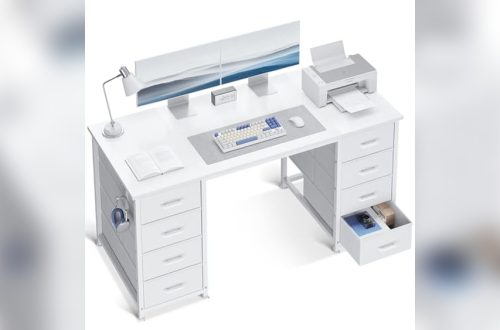
Drawers And Shelves
Drawers provide hidden storage for documents and small tools. Shelves offer open space to place books or decorative items. Both help reduce clutter on your desk surface. Look for desks with adjustable shelves to customize your setup. Deep drawers can store larger items like notebooks or chargers. This keeps essential items close but out of sight.
Printer And Accessory Space
Multiple monitors need extra desk space, but printers also need a spot. Choose a desk with enough room for a printer without crowding your work area. Some desks include dedicated printer shelves or compartments. This helps keep bulky accessories organized and off your main workspace. Proper space for accessories ensures your desk stays neat and functional.
Desk Accessories For Tidiness
Use desk accessories like cable organizers and pen holders to maintain order. Cable clips prevent wires from tangling and make cleaning easier. Desk trays can hold papers and small gadgets, reducing mess. Adding hooks for headphones or bags keeps things off the desk surface. These small tools create a cleaner, more efficient workspace for multiple monitors.

Credit: www.fezibo.com
Budget And Style
Choosing the right home office desk for multiple monitors involves careful thought about budget and style. This balance helps create a workspace that looks good and works well. Your desk should fit your financial plan and match your room’s design. This section breaks down price ranges, style options, and how to blend function with appearance.
Price Ranges For Different Desks
Desks for multiple monitors vary widely in price. Basic models start around $100 and offer enough space for two screens. Mid-range desks, costing $200 to $500, often include better materials and cable management. Premium desks, priced above $500, come with extra features like adjustable height and built-in storage. Set a budget that fits your needs and explore options within that range.
Matching Home Office Aesthetic
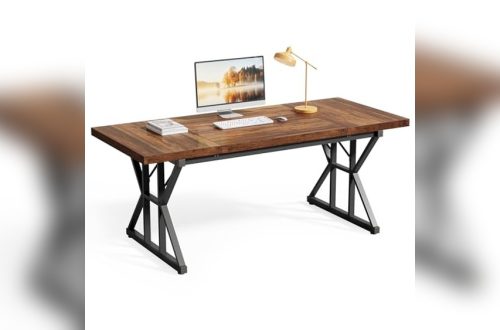
Your desk should complement your room’s style. Modern desks often have clean lines and metal frames. Traditional desks use wood and classic shapes. Rustic desks may feature reclaimed wood and a natural look. Choose a desk that fits your existing decor to create a cohesive space. A matching desk boosts comfort and makes work more enjoyable.
Balancing Function And Design
Functionality is key for multiple monitors. Look for desks wide and deep enough to hold all screens comfortably. Design matters too; choose a desk that looks good but does not sacrifice space. Some desks combine style with features like cable trays and adjustable heights. Pick a desk that supports your work and fits your style preferences.
Space Optimization
Space optimization is key when setting up a home office desk for multiple monitors. A clutter-free, well-organized desk helps maintain focus and comfort. Choosing the right desk can make a small room feel larger and improve your work efficiency.
Small Room Desk Solutions
Small rooms need desks that fit without crowding the space. Look for desks with narrow widths but enough depth to hold two or more monitors. Wall-mounted desks or corner desks save floor space and provide a sturdy work surface. Floating shelves above the desk can hold accessories, keeping the desktop clear.
Multi-use Desk Ideas
Desks that serve more than one purpose help maximize space. A desk with built-in storage drawers or shelves keeps supplies organized and off the surface. Consider desks with adjustable heights to switch between sitting and standing. Some desks fold or expand, allowing you to adjust your workspace size as needed.
Maximizing Floor Space
Choose desks with slim legs or pedestal bases to open floor space underneath. Use monitor arms to lift screens off the desk, freeing up room for documents and other tools. Position the desk near natural light but away from high-traffic areas to keep the space calm and efficient. Keep cables managed and out of the way for a neat setup.
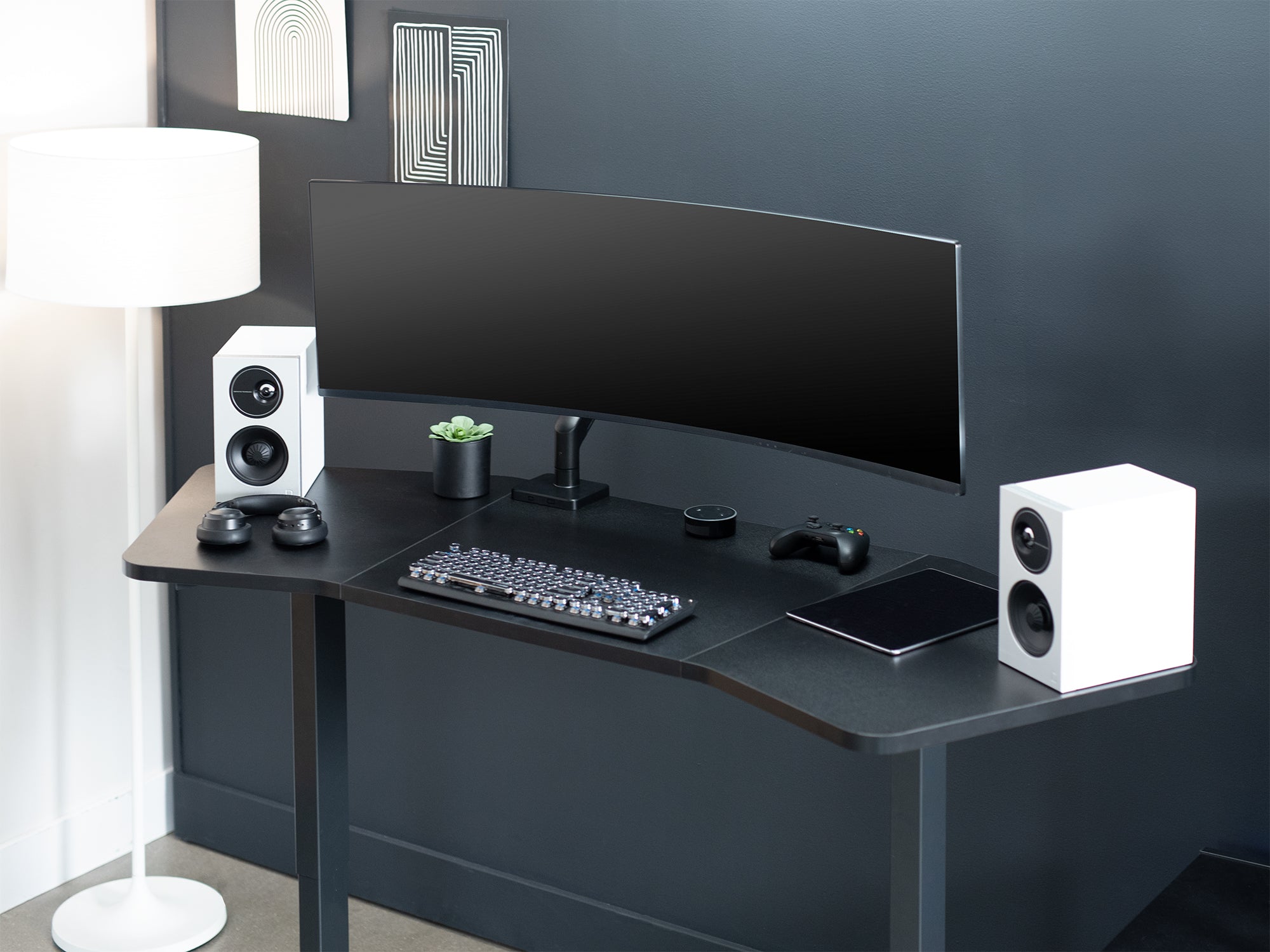
Credit: vivo-us.com
Frequently Asked Questions
What Size Desk Is Best For Multiple Monitors?
A desk at least 48 inches wide and 24 inches deep suits multiple monitors. This size allows comfortable spacing and arm’s-length viewing to reduce eye strain.
What Is The Best Desk Setup For Dual Monitors?
The best desk setup for dual monitors includes a wide, deep desk allowing arm’s length distance. Position monitors at eye level and align brightness to reduce strain. Use matching monitor sizes and resolutions for seamless viewing and ergonomic comfort.
Is 24 Or 27 Better For Work?
A 27-inch monitor offers more screen space, enhancing productivity for detailed tasks. A 24-inch is compact and saves desk space. Choose based on your workspace size and task requirements.
Is 3 Monitors Overkill For Work?
Three monitors can boost productivity by allowing multitasking and better workflow. It suits jobs needing multiple apps or data views simultaneously. However, desk space and personal preference determine if three monitors feel overkill or just right for work.
Conclusion
Choosing the right home office desk for multiple monitors improves comfort and productivity. Focus on desk size, depth, and sturdiness to fit all screens well. Make sure your monitors sit at eye level to avoid neck strain. Leave enough space for keyboard, mouse, and other essentials.
A well-planned desk setup supports better work habits and reduces fatigue. Take your time to find a desk that suits your space and needs. Your work will feel easier and more organized with the right desk choice.