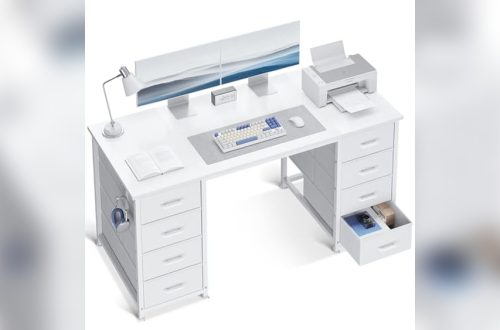
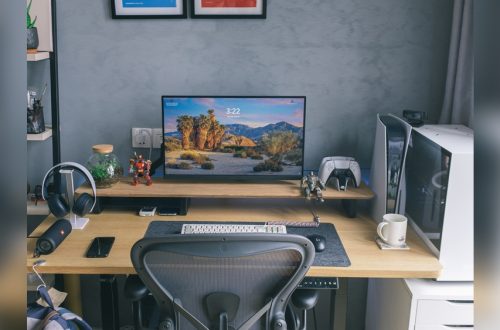
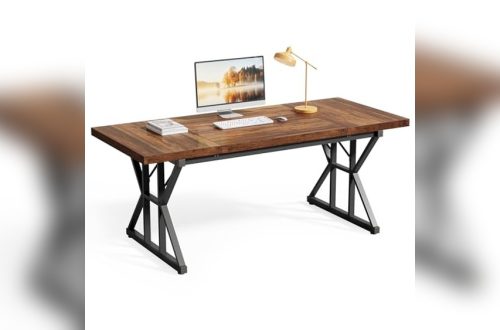
Is your home office desk a constant source of distraction and frustration? Imagine a workspace where everything you need is within easy reach, clutter disappears, and focus comes naturally.
You don’t have to settle for a messy desk that drains your energy and productivity. By organizing your home office desk the right way, you can create an environment that sparks creativity and keeps you on track all day long.
Ready to transform your workspace into a powerhouse of efficiency? Let’s dive into simple, practical steps that will help you organize your desk and regain control over your workday.
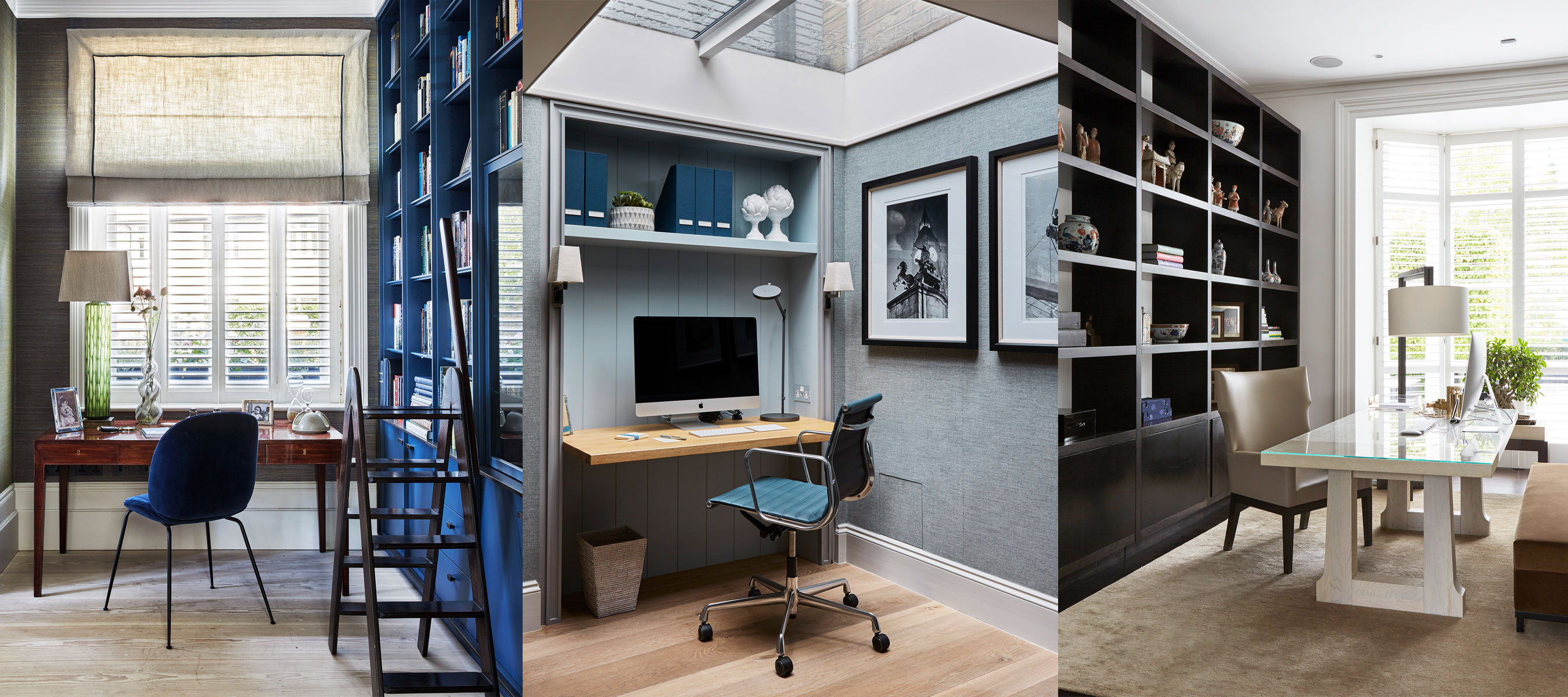
Credit: www.homesandgardens.com
Desk Placement Tips
Proper desk placement forms the foundation of an organized home office. It affects comfort, focus, and productivity. Thoughtful positioning helps you work efficiently and feel secure in your space. Consider these simple yet effective desk placement tips to improve your home office setup.
Command Position Benefits
Place your desk so you face the door. This setup boosts your sense of control and safety. A solid wall behind you adds support and stability. This position helps reduce stress and improve focus throughout the day.
Avoiding Glare With Window Placement
Set your desk perpendicular to windows. This reduces glare on your screen and prevents eye strain. Natural light brightens your workspace and lifts your mood. Avoid placing your desk directly in front of or behind a window.
Power Outlet Accessibility
Locate your desk near power outlets. This keeps cords organized and within reach. Avoid using long extension cords that create clutter. Easy access to power helps keep your devices charged and your desk neat.
Minimizing Distractions
Position your desk away from busy areas. Choose a quiet corner to reduce noise and interruptions. Turn your back to distractions like TV or high traffic zones. A calm environment supports concentration and steady work flow.
Ergonomics And Lighting
Ergonomics and lighting are key to a comfortable and productive home office desk. Proper ergonomics reduce physical strain and help maintain good posture. Good lighting prevents eye fatigue and keeps you alert. Together, they create a workspace that supports your health and focus.
Maximizing Natural Light
Place your desk near a window to enjoy natural light. Position the desk so the window is to your side. This reduces glare on your computer screen. Natural light boosts mood and helps you stay awake. Avoid sitting directly in front of or behind the window.
Preventing Eye Strain
Use soft, even lighting to reduce harsh shadows. Adjust your screen brightness to match the room light. Take short breaks every 20 minutes to rest your eyes. Blink often to keep your eyes moist. Avoid working in dim light or overly bright light.
Chair And Desk Height Alignment
Adjust your chair so feet rest flat on the floor. Your knees should be at a 90-degree angle. The desk height should allow your arms to rest comfortably. Keep your wrists straight when typing. Proper alignment prevents back and neck pain.
Decluttering Strategies
Decluttering your home office desk sets the stage for a focused workday. A tidy desk reduces stress and helps you find things fast. Use simple strategies to keep your space clean and efficient. Small daily habits can prevent clutter from building up.
Daily Planning Routine
Start each day by planning what you need. Clear your desk of everything except essential items. This routine keeps your workspace neat and ready. Spend five minutes at the end of the day to put things away. This habit stops clutter from piling up overnight.
Essential Vs Non-essential Items
Sort items into essential and non-essential groups. Keep only what you use daily on your desk. Store or remove items you rarely need. This separation makes your desk less crowded and helps focus. A clear desk means a clear mind.
Cable Management
Tangled cables add to desk clutter and cause distractions. Use cable ties or clips to bundle cords neatly. Label cables for quick identification. Route cables behind your desk or along edges. Well-managed cables improve your desk’s look and your work flow.
Storage Solutions
Organizing your home office desk starts with smart storage solutions. Good storage keeps your workspace neat and your mind clear. It also helps you find things fast. Proper storage reduces clutter and boosts productivity. Use the space on and around your desk wisely. This section covers ways to store items efficiently.
Using Drawers Efficiently
Drawers are perfect for hiding clutter and keeping things within reach. Sort items by type and frequency of use. Use drawer dividers to separate small supplies like pens, paper clips, and sticky notes. Keep important documents in labeled folders inside drawers. Avoid overfilling drawers to maintain easy access. Clear out unnecessary items regularly to keep drawers functional.
Shelving And Organizers
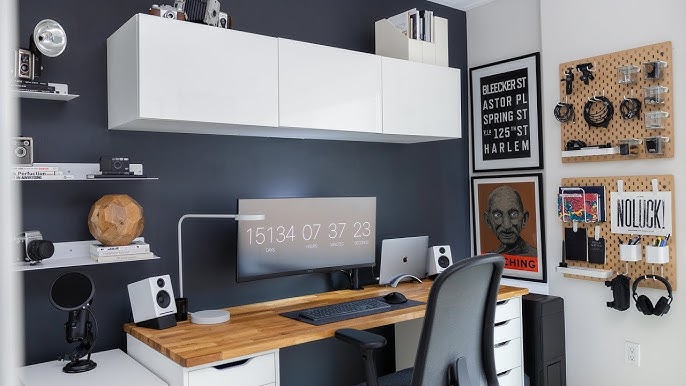
Shelves help you use vertical space well. Place shelves near your desk to store books, binders, and decorative items. Use small bins or baskets on shelves to group similar items. Desk organizers hold essentials like scissors, chargers, and notebooks. Choose organizers with compartments to keep tools tidy. Open shelves keep frequently used items visible and easy to grab.
Keeping Frequently Used Items Handy
Keep daily-use items close to avoid wasting time searching. Place your computer, notepad, and favorite pen within arm’s reach. Use a desktop tray or small containers for current projects and paperwork. Arrange items so you see everything at a glance. This setup keeps your desk clean and workflow smooth. Limit items on the desk surface to essentials only.
Personalizing Your Space
Personalizing your home office desk makes the space feel welcoming and unique. It helps boost mood and productivity. Small touches reflect your personality and style. Personal items can inspire creativity and comfort throughout your workday.
Keep your personalization simple and purposeful. Avoid clutter by choosing meaningful decor. The right balance keeps your desk organized and inviting.
Inspiring Wall Decorations
Decorate the wall near your desk with art or photos that motivate you. Choose prints with bright colors or positive quotes. A vision board can help you focus on goals. Use frames or clips to keep the look neat. Change decorations seasonally to refresh your space.
Adding Greenery
Plants bring life and calm to any workspace. Small succulents or air plants require little care and fit well on desks. A potted plant near your monitor adds a splash of green. Plants improve air quality and reduce stress. Choose low-maintenance varieties for easy upkeep.
Maintaining A Clean Look
Keep your personalized items tidy to avoid distraction. Use trays or organizers to hold pens and notes. Clear away unnecessary papers daily. Wipe surfaces regularly to keep dust and smudges away. A clean desk helps your mind stay focused and sharp.
Productivity Boosters
Productivity depends a lot on how your desk is arranged. A well-organized desk helps you focus and work faster. Simple changes can create a big impact on your daily tasks. Here are some tips to boost your productivity.
Left To Right Equipment Layout
Arrange your tools from left to right based on use. Place the most used items close to your dominant hand. Keep your computer, keyboard, and mouse in the center. Store less-used items like printers or files on the sides. This layout saves time and keeps your desk tidy.
Incorporating Task Lighting
Good lighting reduces eye strain and keeps you alert. Use a desk lamp with adjustable brightness. Position the light to avoid screen glare and shadows. Natural light near your desk helps improve mood and energy. Bright, focused light helps you stay on track with tasks.
Setting Boundaries For Work And Relaxation
Separate your workspace from relaxation areas. Use physical dividers or different furniture to mark zones. Keep work materials only in your desk area. Avoid working in places meant for rest. Clear boundaries help your brain switch between work and break times smoothly.
Special Desk Types
Special desk types require unique organizing strategies to fit your workspace needs. Each desk style offers different shapes and features that influence how you arrange your items. Understanding these types helps you create a neat and functional home office.
Optimizing L-shaped Desks
L-shaped desks provide ample surface area and corner space. Use one side for your computer and the other for paperwork or supplies. Keep frequently used items within easy reach. Utilize the corner for a lamp or organizer to save space. Avoid clutter by designating zones for different tasks. Use cable organizers to keep wires tidy along the desk edges.
Small Desk Tips
Small desks need smart organization to avoid feeling cramped. Use vertical space with shelves or wall-mounted organizers. Choose slim storage containers to fit under the desk. Keep only essential items on the surface. Use multi-purpose tools like pen holders with compartments. Remove unnecessary clutter daily to maintain a clean workspace. A tidy small desk can boost focus and efficiency.
Standing Desk Setup
Standing desks promote better posture and energy. Arrange your monitor at eye level to avoid neck strain. Place your keyboard and mouse close to keep arms relaxed. Use anti-fatigue mats to reduce leg discomfort. Store small items in desk drawers or nearby shelves. Keep cables managed with clips to prevent tangling. Stand and sit in intervals for optimal comfort.
Credit: www.youtube.com

Credit: frankbuck.org
Frequently Asked Questions
How Do I Organize My Home Office Desk?
Organize your home office desk by decluttering daily, grouping similar items, and keeping essentials within reach. Use trays and drawers to store supplies. Position your desk near natural light and away from distractions. Maintain a clean surface to boost focus and productivity.
What Are The 3 P’s For Having A Clean Desk?
The 3 P’s for a clean desk are Plan, Protect, and Pick up. Plan your day, protect your workspace, and pick up clutter regularly.
How To Position A Desk In A Home Office?
Position your desk facing the door with a solid wall behind for support. Place it perpendicular to a window to avoid glare. Stay near power outlets, avoid distractions, and keep the workspace organized for better focus and productivity.
How Should A Home Office Be Arranged?
Arrange your home office desk facing the door with a solid wall behind for support. Place windows to the side to avoid glare. Keep the area clutter-free, near power outlets, and away from distractions. Use inspiring decor and organize equipment from left to right for productivity.
Conclusion
A tidy desk helps keep your mind clear and focused. Organize items you use daily within easy reach. Remove clutter to create a calm and productive space. Plan your setup to fit your work habits and needs. A well-arranged desk supports better work and less stress.
Keep your space neat by putting things back after use. Small changes make a big difference in your workday. Start simple, stay consistent, and enjoy a better home office.