Where you place your desk in your home office can make a huge difference in how you feel and how well you work. Imagine sitting at your desk feeling focused, energized, and in control of your space.
Or, picture the opposite—being distracted, uncomfortable, and constantly adjusting your setup. The secret often lies in the simple act of desk placement. You’ll discover smart, practical tips on where to position your desk so you can boost productivity, reduce distractions, and create a workspace that truly supports your success.
Ready to find the perfect spot for your desk? Let’s dive in.
Credit: www.houzz.com.au
Best Desk Positions
Choosing the right desk position is key for a productive home office. The desk location affects comfort, focus, and mood. Some spots work better than others depending on light and room layout. Here are two of the best desk positions to consider.
Back To Solid Wall Facing Door
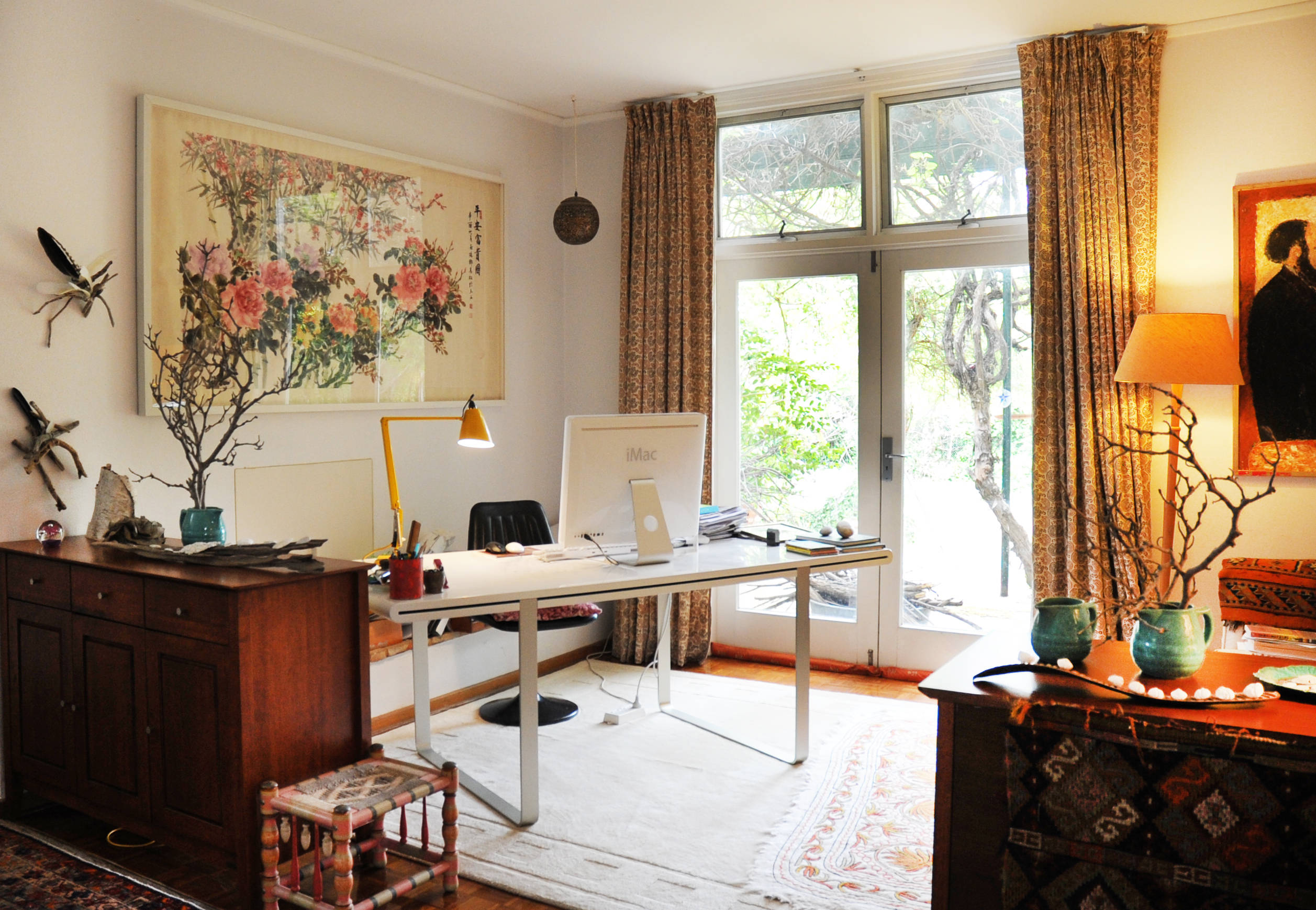
Placing your desk with your back to a solid wall gives a strong sense of security. You can see the door clearly without distractions behind you. This setup helps you feel in control of your space. It also prevents anyone from surprising you from behind. This position reduces stress and improves concentration. It works well in most room sizes and shapes.
Perpendicular To Window
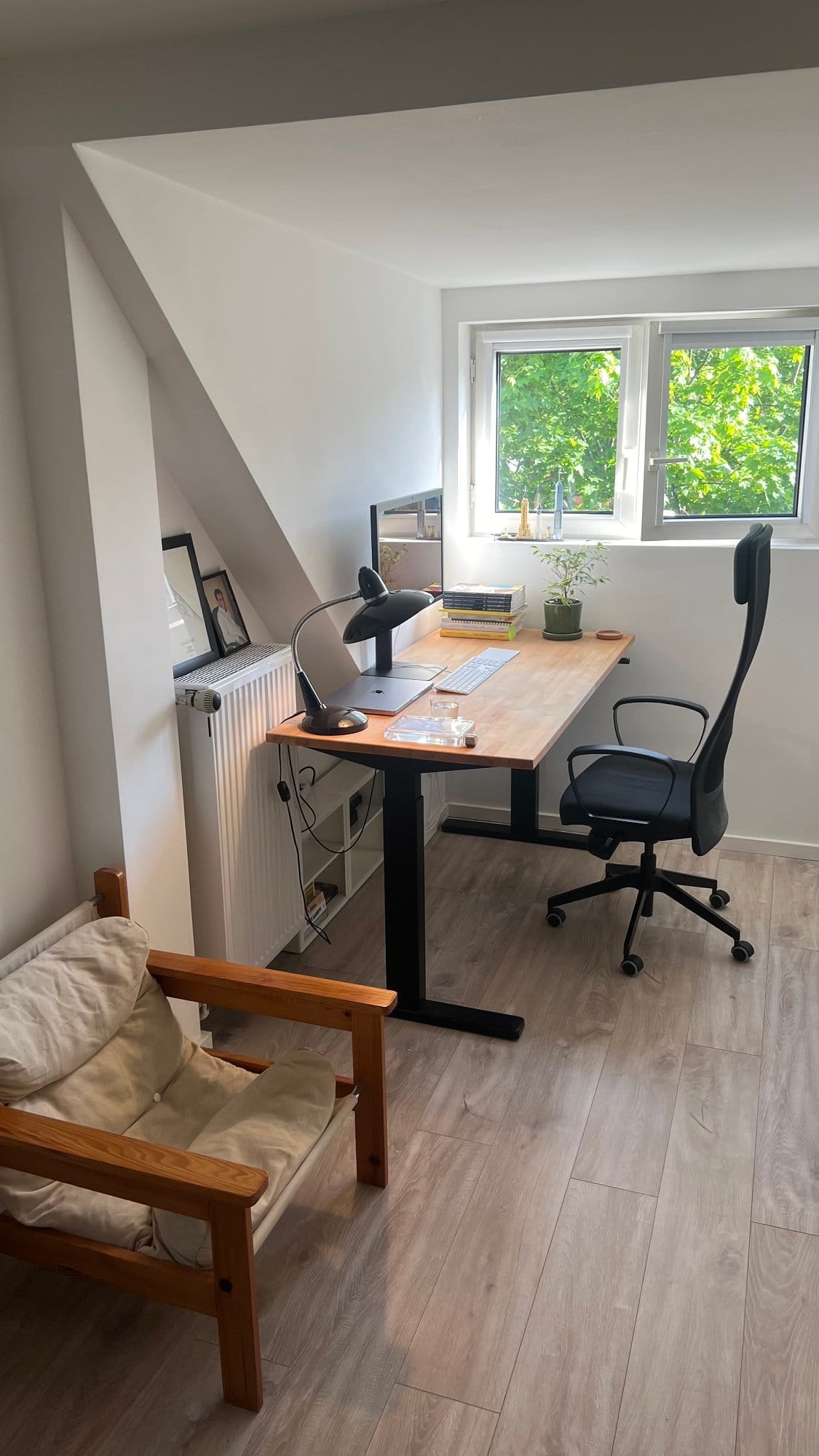
Setting your desk perpendicular to a window brings in natural light from the side. This light boosts your energy and mood during work. The side position stops glare on your computer screen. It also keeps your focus steady, avoiding distraction from outside views. This spot is perfect if you want sunlight without losing attention. Make sure the window is clean and the curtains adjustable.
Credit: www.makerstations.io
Desk Placements To Avoid
Choosing the wrong desk placement can affect your focus and comfort. Some spots cause glare, distractions, or discomfort. Avoid these common desk placements to improve your workday and boost productivity.
Back To Window
Placing your desk with your back to the window causes screen glare. Bright light behind you makes it hard to see your monitor. It also creates shadows on your work surface. This setup can strain your eyes and reduce focus.
Directly Facing Door
Facing the door directly can be distracting. People entering or passing by catch your attention easily. This arrangement may cause stress or break your concentration. It also makes you feel exposed in your workspace.
In Front Of Door
Setting the desk right in front of the door is risky. Your chair may get bumped when the door opens. You might feel vulnerable with people entering from behind. This placement reduces your sense of control in the room.
Facing Blank Wall
Facing a blank wall limits visual stimulation and creativity. It can make your workspace feel isolated and dull. Lack of scenery may decrease motivation and energy. Choose a spot with some visual interest instead.
Room Layout Considerations
Choosing the right spot for your desk depends on your room’s layout. The size, shape, and features of your room affect how your workspace feels and functions. Proper placement helps improve focus and comfort.
Consider space limitations and natural light sources. Think about how you move around and where distractions might come from. Balancing these factors can create a productive and pleasant home office.
Small Room Solutions
In a small room, every inch counts. Place your desk against a wall to save space. This setup keeps the center open and reduces clutter. Use slim desks or wall-mounted options to maximize floor space. Avoid placing the desk in the middle if space is tight.
Corner Desk Benefits
Corners offer a natural nook for your desk. This position helps separate work from the rest of the room. A corner desk can provide more surface area without taking extra floor space. It also helps reduce distractions by limiting your view of the room.
Visibility Of Door
Facing the door lets you see who enters without turning around. This position creates a sense of control and safety. Avoid sitting with your back to the door; it can cause discomfort and surprise. Keep the door in your sight to stay alert and focused.
Ergonomics And Comfort
Ergonomics and comfort are key to a productive home office. A well-placed desk supports good posture and reduces strain. It helps you work longer without discomfort. Careful desk positioning improves focus and energy throughout the day.
Space To Move
Leave enough room around your desk to move freely. You need space to stretch and change positions. Avoid tight corners that restrict movement. Clear pathways prevent accidents and keep you comfortable. A spacious setup encourages better posture and less fatigue.
Reachability Of Items
Keep frequently used items within arm’s reach. This reduces unnecessary stretching and twisting. Place your keyboard, mouse, and phone close to your body. Store supplies nearby to avoid constant standing or bending. Easy access to tools saves time and keeps you focused.
Lighting Strategies
Proper lighting in your home office affects comfort and productivity. Good lighting reduces eye strain and improves focus. Positioning your desk with lighting in mind creates a bright and inviting workspace. Use natural and artificial light to balance brightness and avoid glare.
Maximizing Natural Light
Place your desk near a window to enjoy natural light. Sunlight boosts mood and energy during work hours. Position the desk so light comes from the side, not directly in front or behind. This reduces shadows and brightens your work area evenly.
Avoiding Screen Glare
Glare makes it hard to see your computer screen clearly. Avoid placing your desk directly facing or backing a window. Use curtains or blinds to soften harsh sunlight. Adjust your monitor angle to reduce reflections and prevent eye strain.
Supplemental Lighting
Use desk lamps or overhead lights to brighten darker spaces. Choose bulbs that provide soft, white light to keep your eyes comfortable. Position lamps to illuminate your work surface without creating shadows. Consider adjustable lighting to match different tasks and times of day.
Feng Shui Desk Tips
Feng Shui offers practical tips to position your desk for better focus and calm. It helps balance energy in your workspace. Following these tips can improve productivity and comfort in your home office.
Command Position
Place your desk where you see the door clearly. Your back should be against a solid wall. This spot is called the command position. It makes you feel safe and in control. Avoid sitting with your back to the door or window. This prevents distractions and surprises.
Energy Flow
Let natural light flow beside your desk, not directly behind or in front. Position your desk perpendicular to a window. This brings fresh energy and bright light without screen glare. Keep pathways clear to allow smooth energy movement. A clutter-free desk helps maintain good energy flow.
Desk Placement In Shared Spaces
Finding the right spot for your desk in a shared space is key to staying productive. Shared rooms can be challenging because you need to balance work with other activities. Choosing a good desk placement helps create a clear boundary between work and personal life. It also reduces distractions and increases comfort.
Living Room Options
Placing a desk in the living room works well if space is limited. Choose a quiet corner away from the main traffic areas. Position the desk so you face the room, not the wall, to feel more connected. Use a small divider or plant to separate your workspace from the rest of the room. Natural light from a nearby window can improve mood, but avoid direct glare on your screen. Keep your desk tidy to blend with living room decor. This setup keeps your work visible but contained.
Bedroom Workspace Setup
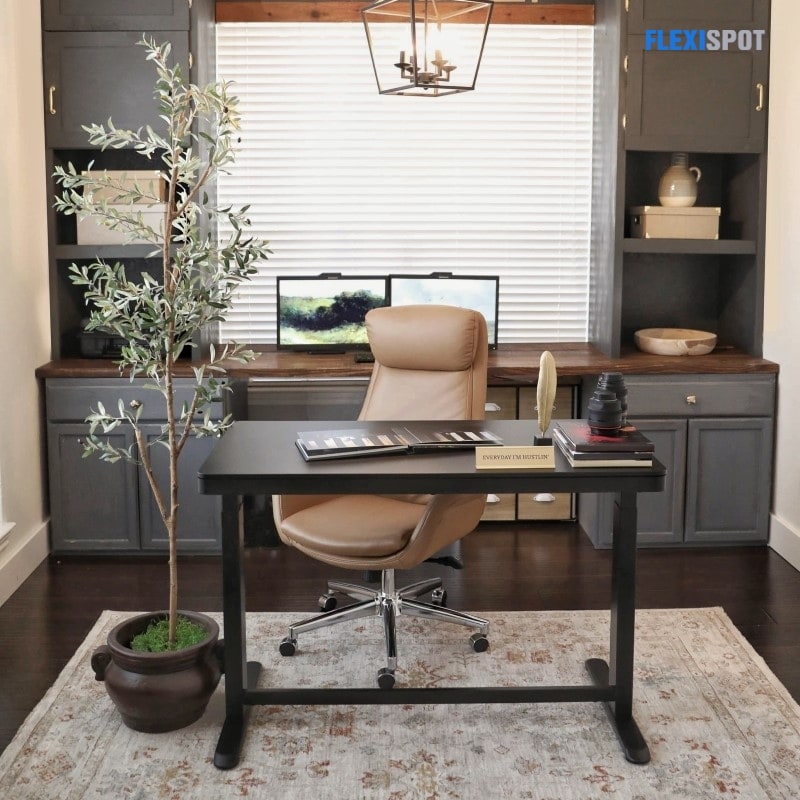
Turning a bedroom corner into a workspace is a smart choice for privacy. Place the desk near a window for natural light, but not directly in front to avoid glare. Facing a wall helps limit distractions and keeps focus on tasks. Use shelves above the desk to save space and keep essentials handy. Keep work items separate from your sleeping area to help relax after work. A compact desk and chair fit well in smaller bedrooms, creating a cozy office nook.
Credit: www.flexispot.com
Frequently Asked Questions
Where Is The Best Place To Put A Desk In A Home Office?
Place your desk facing the door with a solid wall behind you for focus and control. Position it perpendicular to a window to enjoy natural light without glare. Avoid facing a blank wall, sitting directly in front of the door, or backing the window to reduce distractions and screen glare.
Where Should A Desk Be Placed In A Home Office Window?
Place your desk perpendicular to a window for natural light without glare. Face the door with your back to a solid wall to feel secure and focused. Avoid sitting directly in front of the door or with your back to the window to reduce distractions and screen glare.
Which Direction Should Your Desk Face?
Place your desk facing the door with a solid wall behind you for control and focus. Position windows to your side to avoid glare and distractions. Avoid facing the door directly or sitting with your back to the window to reduce interruptions and screen glare.
Which Direction Is Best For A Work Table At Home?
Place your work table facing the door with a solid wall behind for focus and control. Position it perpendicular to a window for natural light without glare. Avoid facing the door directly or sitting with your back to a window to reduce distractions and screen glare.
Conclusion
Choosing the right desk position helps improve focus and comfort. Place your desk where you can see the door but avoid glare from windows. Natural light from the side keeps the space bright and inviting. Avoid facing blank walls or sitting with your back to the door.
Think about your room’s size and how you move around. A well-placed desk makes working at home easier and more pleasant. Small changes can create a big difference in your daily productivity and mood.