Your home office desk is more than just a piece of furniture—it’s the command center for your productivity, creativity, and focus. But how you arrange it can make all the difference between feeling energized and feeling distracted.
Are you struggling to find the perfect spot that balances natural light, comfort, and minimal distractions? You’re not alone. Finding the ideal desk placement in your home office can boost your mood, reduce eye strain, and help you get more done with less stress.
Keep reading, because we’re about to reveal simple, practical tips that will transform your workspace into a haven of efficiency and inspiration—tailored just for you.
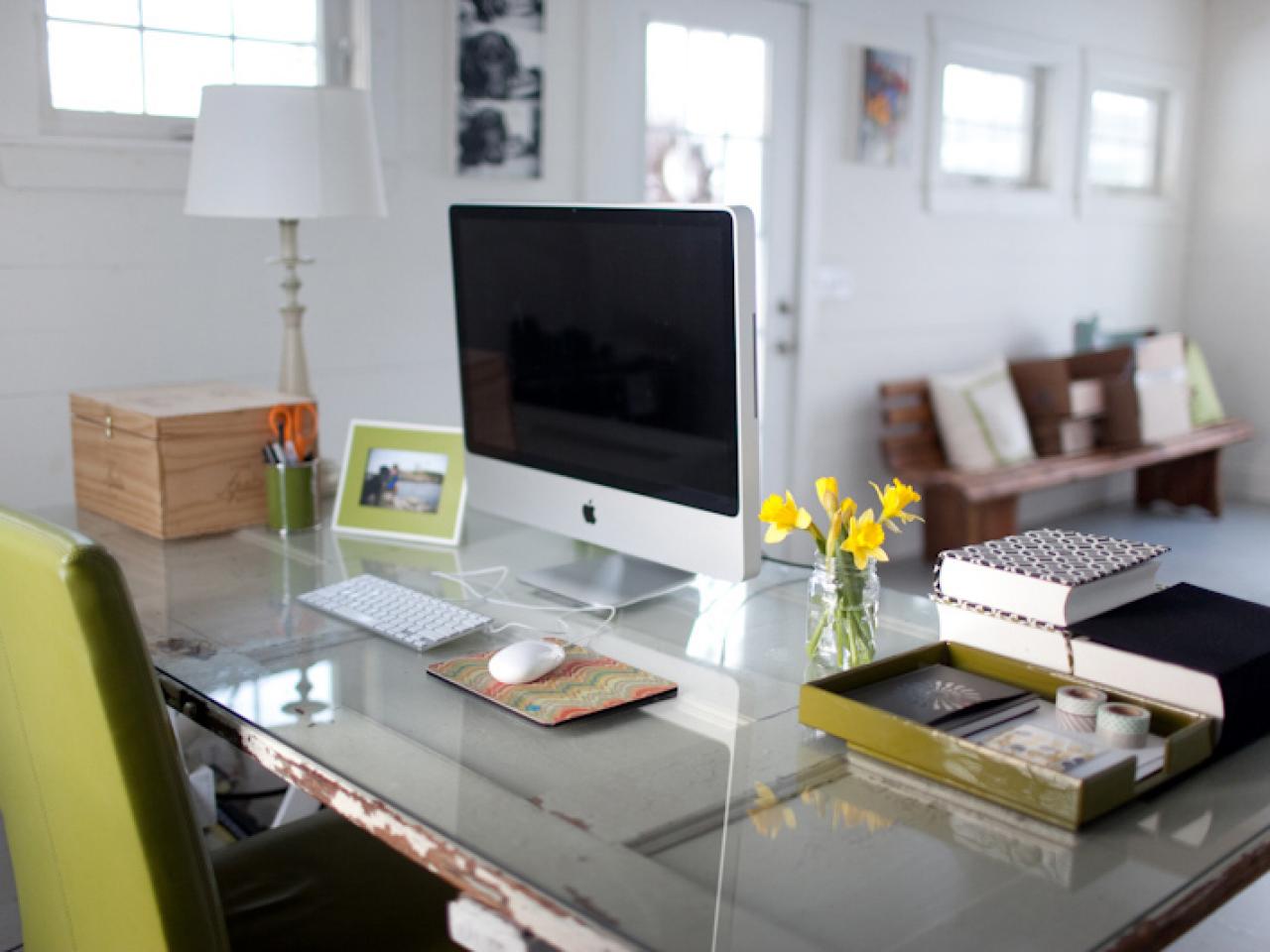
Credit: sportscafeen.net
Desk Placement Options
Choosing the right desk placement is key to creating a comfortable, productive home office. The position of your desk affects your focus, lighting, and overall mood during work hours. Several options exist, each with unique benefits and challenges. Understanding these can help you decide the best setup for your space and work style.
Facing The Window
Placing your desk facing the window lets you enjoy natural light and outdoor views. This setup can boost your mood and reduce eye strain. It offers a refreshing break for your eyes during long work sessions. Distractions might occur if the outside view is busy. Screen glare can also be a problem without proper window treatments.
Facing Away From The Window
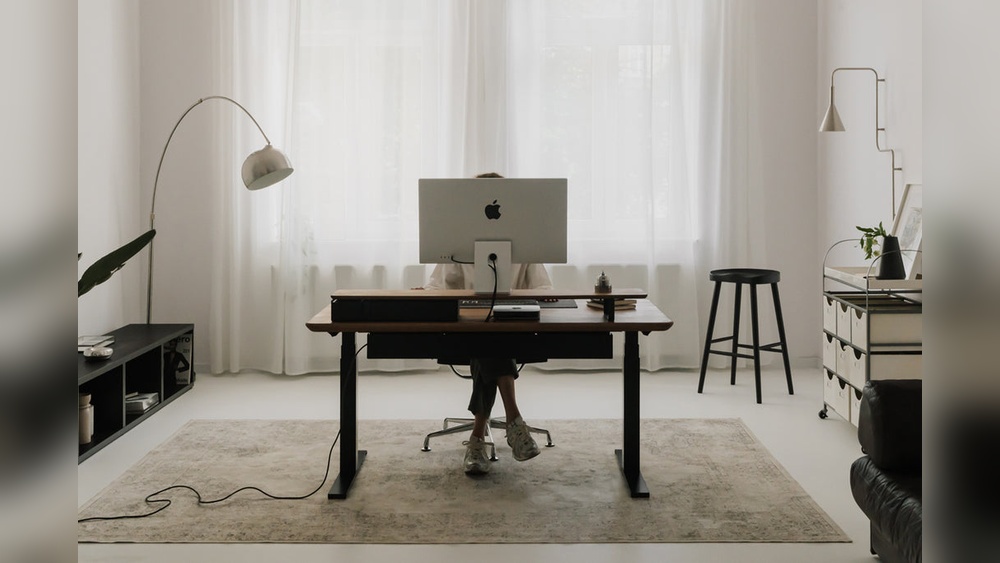
Desks facing away from the window avoid glare on your screen. This position can make you feel more secure and focused. It reduces distractions from outdoor activity. Artificial lighting may be necessary to keep your workspace bright. This setup suits those who prefer a calm, controlled environment.
Side To The Window
Positioning your desk side to the window balances light and view. You get natural light without direct glare on your screen. This setup often improves comfort and reduces eye strain. It creates a bright, inviting workspace. You can enjoy the outdoor scene without losing focus.
Feng Shui Desk Positioning
Feng Shui suggests placing your desk where you see the door but not directly in line with it. This “command position” helps you feel in control and less stressed. Avoid facing a wall or sitting with your back to the door. Keep the space clean and clutter-free for positive energy. Adding plants or soft lighting supports calm and focus.
Lighting Considerations
Lighting plays a crucial role in setting up your home office desk. Proper lighting helps reduce eye strain and keeps you focused throughout the day. It also creates a comfortable and inviting workspace. Consider how natural and artificial light affects your desk position and work habits. Small changes can make a big difference in productivity and comfort.
Natural Light Benefits
Natural light brightens your workspace and boosts mood. It helps regulate your body clock and energy levels. Position your desk near a window to enjoy sunlight without direct glare. Exposure to natural light reduces fatigue and increases alertness. A well-lit room feels more open and less tiring. Sunlight also improves color accuracy on your screen and papers.
Avoiding Screen Glare
Glare on your screen causes discomfort and makes it hard to see. Place your desk so the window is to the side, not in front or behind. This prevents reflections on your monitor. Use blinds or curtains to control bright sunlight. Adjust screen brightness to match room lighting. Anti-glare screen protectors can also help reduce reflections.
Artificial Lighting Tips
Use soft, even lighting for your workspace. Overhead lights combined with desk lamps work well. Choose bulbs with a color temperature between 4000K and 5000K for a natural feel. Avoid harsh fluorescent lights that cause flickering or shadows. Position your desk lamp to shine on your work without creating glare. Dimmer switches allow you to adjust light levels easily.
Ergonomic Setup
An ergonomic setup is key to a comfortable and productive home office. It helps reduce strain and fatigue during long work hours. Creating an ergonomic desk arrangement supports your body and boosts focus.
Simple changes in desk height, chair, and monitor position improve comfort. Good posture is essential to avoid aches and pains. Small adjustments can make a big difference in your daily work experience.
Optimal Desk Height
Your desk height should allow your forearms to rest parallel to the floor. Elbows should form a 90-degree angle when typing or using a mouse. This setup reduces stress on your wrists and shoulders. Adjust your desk or chair height to find the right level. Avoid desks that are too high or too low for your body.
Chair And Monitor Positioning
Choose a chair with good lumbar support to protect your lower back. Your feet should rest flat on the floor or on a footrest. Keep your monitor at eye level, about an arm’s length away. The top of the screen should be at or just below your eye line. This position helps prevent neck strain and eye fatigue.
Maintaining Good Posture
Sit with your back straight and shoulders relaxed but not slouched. Keep your hips back in the chair and avoid leaning forward. Change your position regularly to reduce stiffness and improve circulation. Take breaks to stretch and move around every hour. Proper posture lowers the risk of long-term pain and boosts your energy.
Desk Organization
Organizing your desk in a home office creates a space that boosts focus and efficiency. A tidy desk reduces stress and helps you find items quickly. Good desk organization supports a smooth workflow and keeps your work area inviting. Use simple strategies to keep your desk neat and functional every day.
Decluttering Techniques
Remove everything from your desk. Only keep items you use daily. Sort papers into files or recycle what you do not need. Use trays or small boxes to hold loose items. Clear your desk at the end of each day. This habit stops clutter from building up again.
Essential Desk Accessories
Choose accessories that save space and help organize. Use a pen holder to keep writing tools in one place. A desk organizer with compartments can hold paperclips, sticky notes, and other small items. A small tray for keys or phone stops them from getting lost. Pick items that match your style and keep your desk tidy.
Cable Management
Untangle all cables and cords on your desk. Use cable clips or ties to group cables together. Attach cables to the edge or back of your desk to keep them out of sight. Consider using a cable box to hide power strips and chargers. Proper cable management prevents mess and keeps your workspace safe.
Maximizing Productivity
Maximizing productivity in your home office starts with how you arrange your desk. A well-organized workspace helps you focus and complete tasks efficiently. Small changes can make a big difference in your daily work habits. This section offers simple ways to set up your desk for better productivity.
Creating Zones For Tasks
Divide your desk into specific areas for different tasks. Use one zone for computer work, another for writing or reading. Keep frequently used items within easy reach. This separation helps your brain switch focus quickly. It reduces clutter and keeps your desk neat.
Incorporating Inspiring Elements
Add items that motivate you around your desk. Photos, plants, or artwork can boost your mood. Choose things that make you feel calm and happy. A small plant improves air quality and adds color. These elements keep you energized and reduce stress.
Minimizing Distractions
Keep your desk free from unnecessary objects. Turn off notifications on your phone and computer. Use headphones or earplugs if noise disturbs you. Position your desk away from busy areas or windows with heavy traffic. A clean and quiet space helps you stay focused longer.
Room Layout And Space Use
Arranging your home office desk requires smart use of room layout and space. A well-planned layout improves comfort and boosts work efficiency. Thoughtful space use helps keep the area neat and functional. Each element, from desk size to storage, plays a key role. Let’s explore how to optimize your room layout and use space wisely.
Choosing Desk Size And Style
Select a desk size that fits your room comfortably. Avoid desks that are too big or too small for the space. A compact desk suits small rooms and keeps the area open. Larger desks offer more workspace but need enough room to move around. Choose a style that matches your home decor and work needs. Simple designs often blend well and reduce visual clutter. Consider desks with built-in features like cable management or adjustable height.
Utilizing Wall Space
Use wall space to free up floor area. Install shelves above the desk to hold books, plants, or office supplies. Wall-mounted organizers keep important items within reach but off the desk surface. Pegboards offer flexible storage for tools and accessories. Position your desk near a window to benefit from natural light. Arrange the desk perpendicular to the window to reduce glare on screens. This setup balances light and prevents eye strain.
Storage Solutions
Choose storage options that fit your needs and space. Use drawers or small cabinets under the desk to store documents and stationery. Vertical storage units save floor space and keep items organized. Baskets or boxes on shelves help group similar items together. Keep frequently used items nearby to reduce distractions. Declutter regularly to maintain a tidy workspace. Proper storage supports focus and keeps the office inviting.
Personalizing Your Workspace
Personalizing your workspace makes your home office feel inviting and unique. It helps you stay motivated and comfortable during work hours. Small touches can boost your mood and productivity. Focus on details that reflect your personality and support your tasks.
Adding Plants And Decor
Plants bring life and color to your desk. They improve air quality and reduce stress. Choose low-maintenance plants like succulents or pothos. Add simple decor items that inspire you. Photos, art pieces, or meaningful objects work well. Keep decor minimal to avoid clutter.
Color Schemes For Focus
Select colors that help you concentrate and feel calm. Soft blues and greens promote relaxation and focus. Warm tones like yellow can boost energy. Use neutral shades for balance and avoid distractions. Match colors with your furniture and lighting to create harmony.
Balancing Function And Style
Choose furniture that fits your needs and looks good. Your desk should offer enough space for work tools. Add storage solutions that keep things tidy and accessible. Style your setup with matching accessories and clean lines. A neat and attractive space supports better work habits.
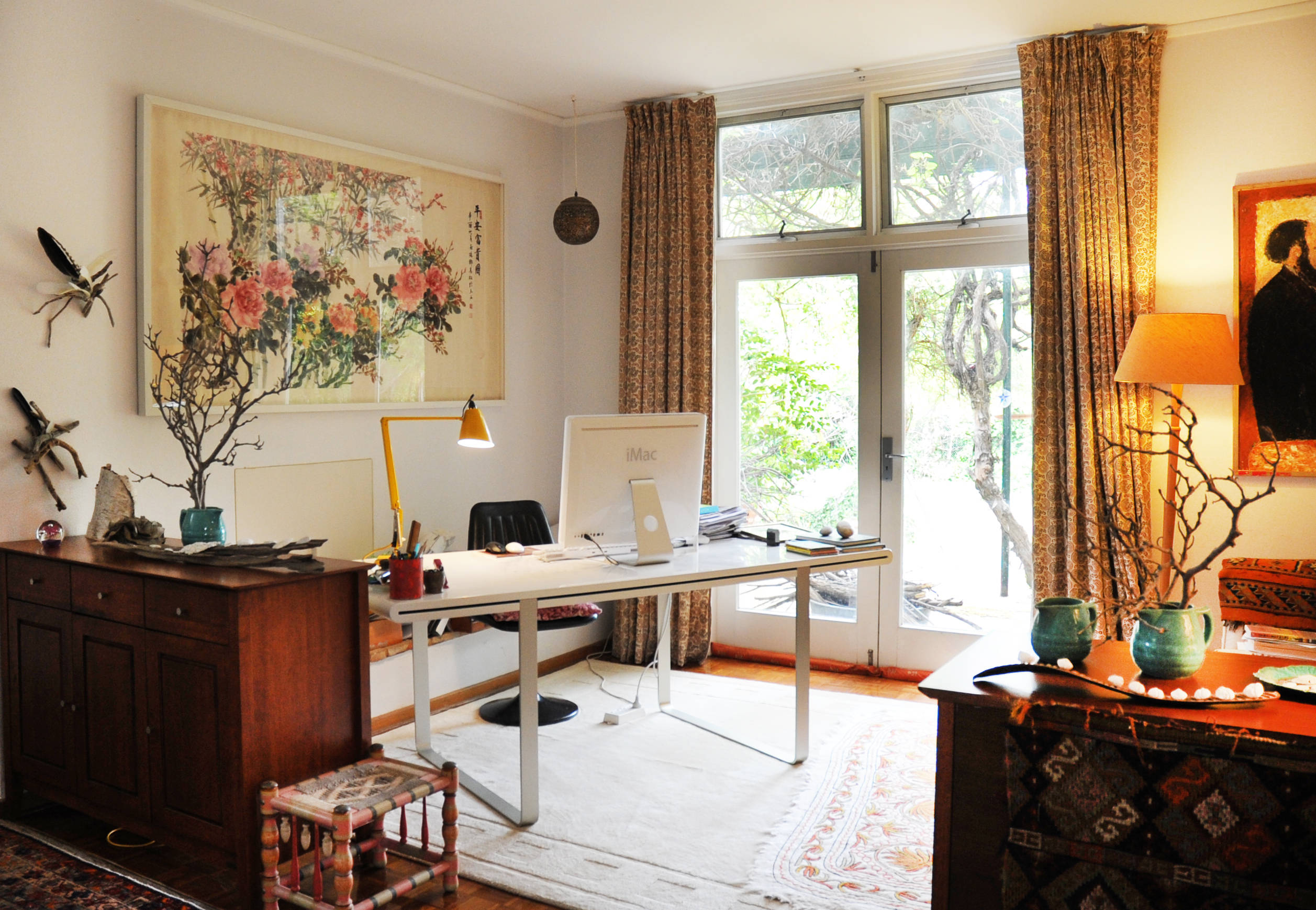
Credit: www.houzz.com.au

Credit: www.youtube.com
Frequently Asked Questions
How To Position A Desk In A Home Office?
Position your desk perpendicular to a window for natural light without glare. Ensure a solid wall behind for focus and security. Face the door if possible to boost control and comfort. Avoid direct screen glare and distractions by adjusting desk angle.
How Do I Organize My Home Office Desk?
Organize your home office desk by keeping essentials within reach and decluttering regularly. Position the desk perpendicular to a window for natural light without glare. Use organizers, cable management, and keep surfaces clear to boost productivity and maintain a clean workspace.
Should My Desk Face The Window Or Away?
Place your desk perpendicular to the window for natural light without glare. Facing the window boosts mood but may distract. Facing away reduces glare and distractions but may feel isolating. Positioning at a right angle combines benefits for comfort and productivity.
What Is The Best Layout For A Home Office?
The best home office layout places the desk perpendicular to a window. This setup offers natural light without screen glare and reduces distractions. Position the desk to see the door with a solid wall behind for comfort and control. This arrangement boosts productivity and ergonomics effectively.
Conclusion
Arranging your home office desk well boosts comfort and focus. Place your desk to get natural light without glare. Keep your workspace tidy to reduce distractions. Use storage to organize papers and tools easily. Adjust your chair and screen height for good posture.
Small changes make your office a pleasant place to work. Try different layouts until you find what feels best. A well-arranged desk helps you work smarter every day.