Where you put your desk in your home office can make a huge difference in how productive and comfortable you feel throughout the day. Imagine working in a spot where natural light lifts your mood without glaring on your screen, or feeling secure because you can see who’s entering the room without distractions pulling your focus.
You might not realize it, but the simple act of choosing the right desk placement can boost your energy, reduce eye strain, and even help you stay more organized. You’ll discover the best spots to place your desk, the common mistakes to avoid, and how to create a workspace that truly supports your work and wellbeing.
Ready to transform your home office? Let’s find the perfect place for your desk.
Optimal Desk Placement
Choosing the right spot for your desk in a home office boosts comfort and focus. Proper placement helps reduce eye strain and keeps distractions low. It also creates a positive work atmosphere that supports productivity.
Consider lighting, view, and room layout to find the best desk position. The goal is a balance between natural light and minimal interruptions. Let’s explore some optimal desk placements for your home office.
Window To The Side
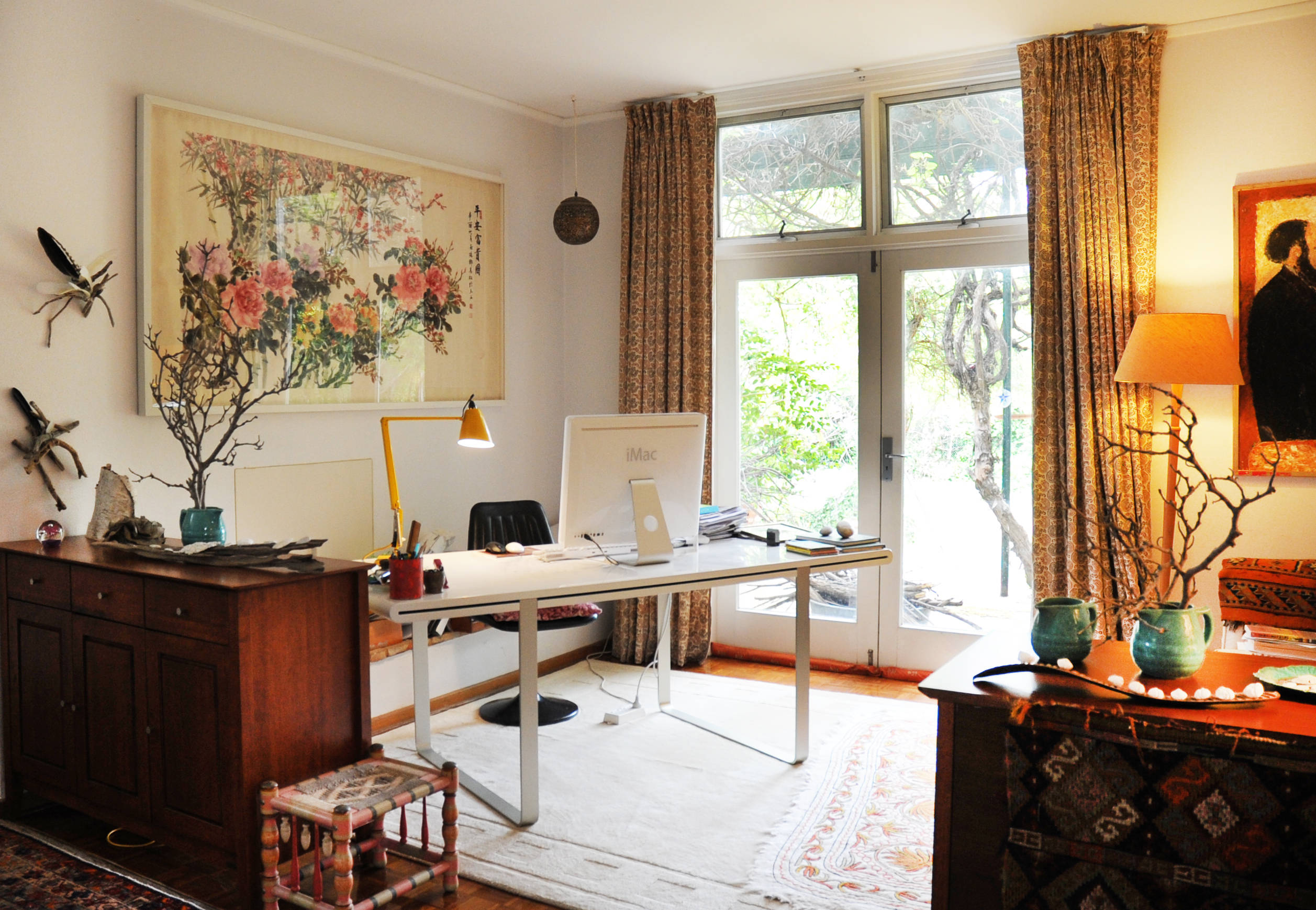
Placing your desk with a window to the side brings natural light without glare. This setup brightens the room and lifts your mood. You can enjoy outside views without facing distractions directly. It also helps avoid screen reflections that tire your eyes.
Facing A Solid Wall
Facing a solid wall offers a calm and focused workspace. This position reduces visual distractions. It feels secure, giving you a strong sense of control. You can add shelves or artwork for inspiration without clutter.
Facing The Door At An Angle
Setting your desk at an angle to the door lets you see who enters. This position makes you feel safe and alert. It avoids the stress of having your back to the doorway. The angle reduces direct distractions while keeping awareness high.
Near Electrical Outlets
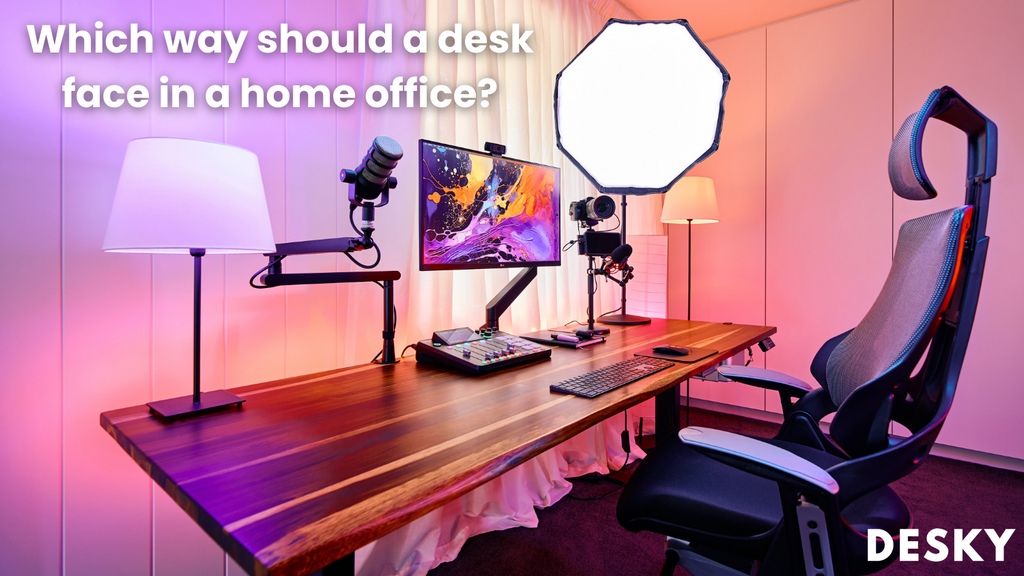
Place your desk close to electrical outlets for easy access to power. This setup helps keep cables neat and organized. It supports charging devices and using office equipment without hassle. A tidy workspace improves efficiency and focus.
Credit: desky.com
Placements To Avoid
Choosing the right desk placement in your home office is crucial. Certain spots can reduce focus and comfort. Avoiding poor placements helps maintain productivity and a pleasant work environment. Here are some placements to avoid for your desk.
Facing The Window Directly
Placing your desk directly facing a window causes strong screen glare. Bright sunlight makes it hard to see your computer clearly. Distractions from outside activities can break your concentration. The natural view might seem nice but can draw your attention away from work.
Back To The Door
Sitting with your back to the door can feel unsafe. You cannot see who enters the room. This position may cause anxiety or constant looking over your shoulder. It limits your awareness and can reduce your comfort while working.
In High-traffic Zones
Desks placed in busy areas cause frequent interruptions. People walking by can distract you easily. Noise and movement in these zones disturb your focus. Avoid doorways or main paths to keep your workspace calm and private.
Lighting Considerations
Lighting plays a key role in choosing the best spot for your desk in a home office. Good lighting helps you work comfortably and stay focused. Poor lighting can cause eye strain and headaches. Consider both natural and artificial light sources to create a balanced workspace. Position your desk where light supports your tasks without causing glare or shadows.
Natural Light Benefits
Natural light lifts your mood and boosts energy. It helps reduce fatigue and improves concentration. Placing your desk near a window lets you enjoy daylight. Try to keep the window to your side, not directly in front or behind. This reduces glare on your screen and limits distractions. Natural light also helps regulate your body clock for better sleep.
Avoiding Screen Glare
Screen glare can cause discomfort and reduce productivity. Avoid placing your desk where sunlight hits your screen directly. This creates harsh reflections that strain your eyes. Use blinds or curtains to control bright sunlight if needed. Position your monitor perpendicular to windows. This setup minimizes glare and keeps your screen clear and easy to read.
Supplemental Lighting Tips
Use task lighting to brighten your workspace during dark hours. A desk lamp with adjustable brightness works well. Choose bulbs that produce soft, warm light to avoid harsh shadows. Avoid overhead lights that create glare on your screen. Position lamps to shine on your work area, not directly into your eyes. Proper lighting balance helps maintain comfort and focus all day.
Space Maximization Tips
Maximizing space in your home office creates a comfortable and efficient workspace. Small rooms or limited areas need smart ideas to fit everything without clutter. Use simple tricks to make the most of your available space. Organizing your desk and furniture helps improve focus and productivity.
These tips work well in any room size. They help keep your office tidy and pleasant. Try these ideas to find the best desk spot and layout for your needs.
Using Wall Space
Mount shelves above your desk to store books and supplies. Use pegboards or wall hooks for organizing tools and cables. Keeping items off the floor frees up room and reduces mess. Choose desks that fit close to the wall to save floor space. A clean wall area makes your workspace look bigger and neater.
Corner Desk Options
Corner desks fit snugly into room corners, using often unused space. They provide extra surface area without crowding the center of the room. Choose L-shaped desks to separate work zones or multitask easily. These desks help open up the rest of the room for movement. Pick a corner with good light to stay energized.
Furniture Arrangement
Arrange your desk near a window for natural light without glare. Place larger pieces against walls to keep the floor open. Use a rolling chair and movable storage for flexibility. Keep pathways clear to avoid feeling cramped. Group similar items together to reduce clutter and save time.
Boosting Productivity
Creating a productive home office starts with choosing the right desk placement. The desk location affects focus, comfort, and overall work output. Small changes in setup can make a big difference. Below are key factors to consider for boosting productivity in your home office.
Command Position Benefits
The command position means placing your desk where you can see the door. This setup gives you a feeling of control and security. It helps reduce anxiety and surprises during work. Facing the door also lets you monitor room activity without turning around. This position supports better concentration and calmness.
Minimizing Distractions
Keep distractions away by avoiding direct views of windows or busy areas. Facing a solid wall or placing the desk with the window to the side helps. Natural light can boost mood but avoid glare on your screen. Also, avoid putting your back to the door to feel more secure. A quiet corner or less traveled part of the room works best.
Ergonomic Setup
Ergonomics improves comfort and reduces strain during long work hours. Position your desk so light comes from the side to reduce eye strain. Keep your monitor at eye level to prevent neck pain. Use an adjustable chair to support your back well. Arrange keyboard and mouse close to avoid reaching. A good ergonomic setup increases focus and reduces fatigue.

Credit: www.youtube.com
Design Styles And Desk Placement
Choosing the right design style and desk placement shapes your home office’s comfort and efficiency. Your desk’s position impacts focus, light, and space flow. Aligning desk layout with your style boosts productivity and mood. Below are popular design styles and tips for placing your desk smartly.
Minimalist Layouts
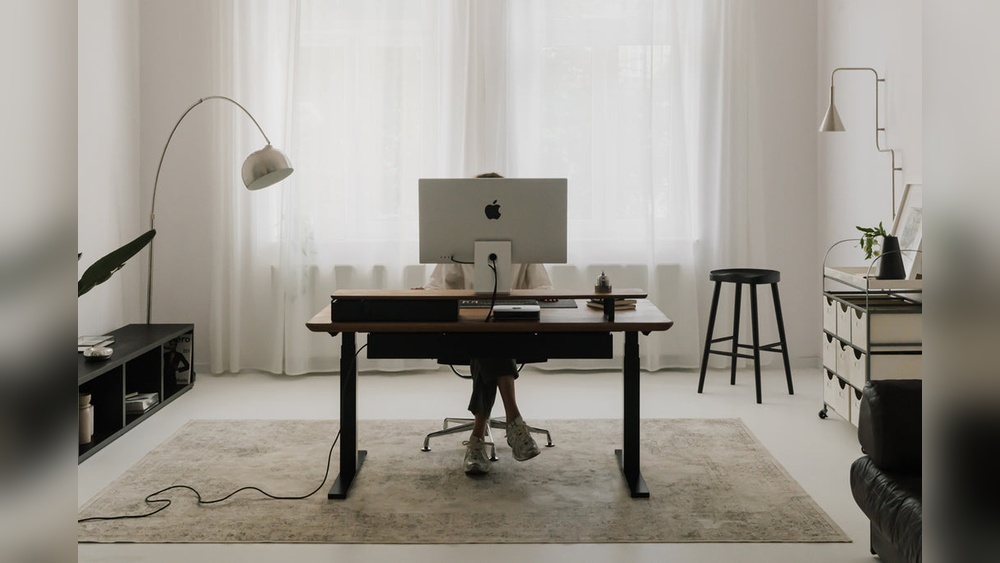
Minimalist layouts favor clean lines and open space. Place your desk near natural light to brighten the area. A simple desk against a solid wall creates calm and reduces distractions. Keep the workspace clear to maintain focus. Position the desk so you can easily reach outlets and storage. Minimal setups help clear your mind and improve work flow.
L-shaped Desk Advantages
L-shaped desks maximize corner spaces and offer more surface area. Place the desk in a room corner to save space and separate work zones. One side can face a window for natural light, while the other holds equipment or paperwork. This setup helps keep work organized and accessible. It suits multitasking and keeps essentials within arm’s reach.
Feng Shui Desk Directions
Feng Shui guides desk placement for positive energy and focus. Position your desk facing the door but not directly in line with it. This allows you to see who enters without feeling exposed. Avoid placing your back to the door to feel secure and alert. Facing a solid wall can provide stability and reduce distractions. Add plants or soft lighting to enhance calm and productivity.
Room-specific Desk Ideas
Choosing the right spot for your desk depends on the room you use as your office. Each room offers unique options that can boost your work comfort and focus.
Consider the room’s layout, lighting, and your daily habits. Tailoring your desk placement to the room type helps create an efficient workspace.
Bedroom Office Placement
Place your desk near a window but avoid direct glare on your screen. This lets natural light brighten your space without causing distractions.
Keep the desk away from your bed to separate work and rest areas. Use a corner or wall space to maximize room flow and reduce clutter.
Choose a spot where you feel calm and focused. Avoid placing your desk where you face the bedroom door directly, as this can cause unease.
Living Room Office Setup
Set your desk in a low-traffic corner to reduce interruptions. Facing a wall can help you concentrate by limiting visual distractions.
Use room dividers or shelves to create a clear boundary between work and leisure areas. This helps maintain a professional mindset.
Pick a location with good lighting, preferably with a side window. Proper light improves mood and reduces eye strain during work hours.
Small Space Solutions
Opt for a compact desk that fits snugly into unused corners or alcoves. Vertical storage nearby keeps essentials within reach.
Mount shelves above your desk to free up floor space. This keeps your work area tidy and organized.
Position your desk near an outlet for easy access to power. This setup avoids tangled cords and keeps your workspace efficient.
Credit: www.houzz.com.au
Frequently Asked Questions
Where Is The Best Place To Put A Desk In A Home Office?
Place your desk near a window with natural light to the side. This reduces glare and distractions while boosting mood and productivity. Avoid facing the window directly or having your back to the door for better focus and security.
Should My Desk Face The Window Or The Wall?
Facing a solid wall provides a sense of security and minimizes distractions. Having a window to the side offers natural light without causing screen glare. This setup helps maintain concentration and comfort during work hours.
Is It Bad To Have My Back To The Door?
Yes, having your back to the door can make you feel vulnerable. It limits your awareness of who enters the room, which can cause anxiety and interruptions. Position your desk to see the door from a side angle instead.
How Important Is Natural Light For Desk Placement?
Natural light is crucial as it improves mood and reduces eyestrain. Positioning your desk to receive indirect sunlight enhances productivity. Avoid direct sunlight on your screen to prevent glare and visual discomfort.
Conclusion
Choosing the right spot for your desk improves comfort and focus. Place it near a window, but not facing it, to use natural light well. Keep the door in your sight to feel secure and aware. Avoid busy areas or spots with glare on your screen.
A good desk location helps you work better and feel calm. Small changes make a big difference in your home office. Find a place that fits your needs and enjoy your workspace.